An online retailer sells bottled drinks in cases of 12, but its ERP tracks inventory by individual bottles.
When a customer orders two cases, the warehouse should receive instructions to pick 24 bottles. Instead, the connected system passes only “quantity: 2.” Someone on the warehouse floor must now stop and decide whether that means two bottles, two cases, or 24 individual units.
A small master data mismatch can become a picking error, shipment delay, or incorrect inventory balance.
Fixing this problem requires more than correcting one order. The product record needs an approved selling unit, a conversion understood by every connected application, and an owner responsible for updating that relationship when the packaging changes. This ongoing responsibility is part of ERP master data management.
What Is ERP Master Data Management?
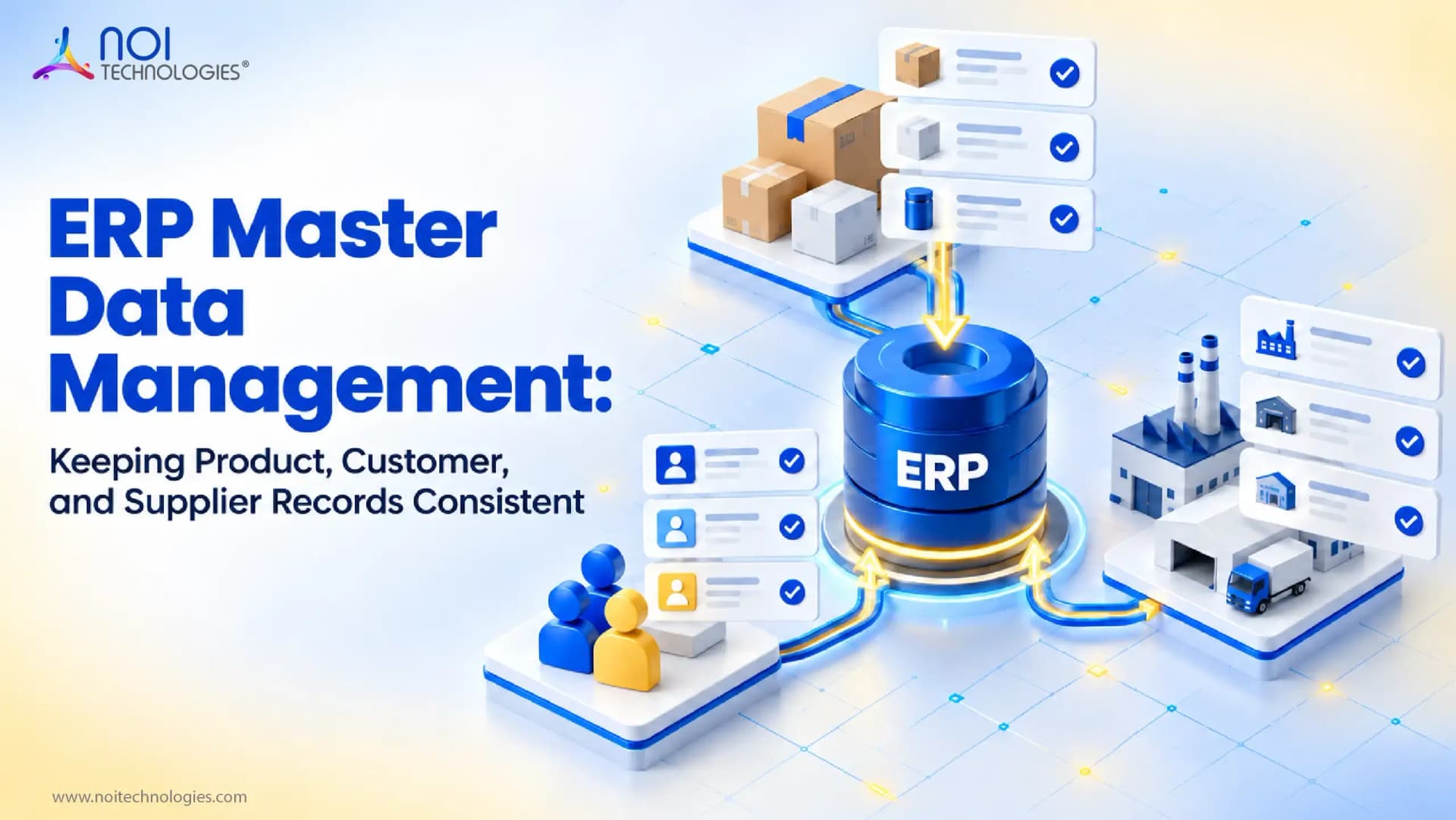
ERP master data management, often shortened to ERP MDM, establishes how a business maintains the core records used by its ERP and connected applications. Each record has a defined identity and an accountable owner. Rules govern its creation and subsequent changes, including how approved information reaches the applications that use it in daily operations.
A customer account is master data because it may be reused across transactions for years. An invoice is transactional data because it records a particular event involving that account. Country codes are reference data because they provide standardized classifications. IBM explains these distinctions further in its overview of master data management.
| Master record | Information to maintain | Used in |
|---|---|---|
| Product master data | Product identifier and unit relationships | Order processing and stock movements |
| Customer master data | Account identity and billing details | Sales orders and invoices |
| Supplier master data | Supplier identity, contacts, purchasing status | Purchase orders and invoice matching |
| Facility master data | Facility identifier and location details | Receipts and transfers |
ERP Master Data Ownership and Governance
A customer updates their company name in the online store. The new name reaches the ERP, but it overwrites the legal business name that finance uses on invoices. The customer intended to change only the name displayed online, yet the update affected billing records as well.
The problem is not simply incorrect data. The integration allowed one application to change a field owned by another team.
For every important master data field, the governance model should establish:
- Which system creates the original value
- Which team owns its business meaning
- Who can approve or change it
- Which connected systems may update it
- How conflicting changes are handled
- How previous values and approvals are recorded
For example, finance may own a customer's legal name and payment terms, while the online store controls the public display name. A developer should not have to determine ownership based on whichever application sent the most recent update.
For product content, a product information management system, or PIM, might own descriptions and sales-channel attributes. Master data management has a wider scope that includes supplier and customer identities. Where the responsibilities overlap, defining the system of record and an accountable data owner prevents the PIM and ERP from repeatedly overwriting each other's changes. The receiving application can hold a local copy while leaving editing authority with the source.
Two subsidiaries buying from the same supplier may have negotiated different payment terms. Their shared supplier identity needs room for both arrangements, including which company each applies to.
Preventing Duplicate Master Records in ERP
A salesperson searches for a customer using its trading name but cannot find the account stored under its legal name. To process the order, the salesperson creates another account. New sales now begin accumulating under two separate customer records.
The duplicate may remain unnoticed until finance finds separate invoices, open orders, or an incomplete customer sales history.
A duplicate record can be created in seconds, but resolving it may require reviewing years of connected transactions.
Better search behavior can prevent some duplicates. Recognized trading names, legal names, and external references should help users locate the existing account before creating another one.
Before merging suspected duplicate records, the responsible team should:
- Confirm that both records represent the same entity
- Review their open orders, invoices, returns, and payment arrangements
- Choose which internal identifier will survive
- Map previous external references to the surviving record
- Prevent connected systems from recreating the duplicate
- Preserve the required transaction and audit history
A matching address alone does not prove that two accounts are duplicates. Separate businesses may occupy the same building, while branches of one company may require different accounts because they have separate billing arrangements.
If the purpose is only to prevent new orders against an old account, deactivation may be safer than deletion because it preserves the transactions already connected to that record.
ERP Master Data Validation Across Forms, Imports, and APIs
Returning to the bottle example, validating the case size on one product screen is not enough. Spreadsheet imports and API requests need equivalent checks so that incomplete or invalid records cannot bypass the application’s validation rules.
The catalog team shouldn't have to invent a pack size just to save an unfinished product. A draft status gives them somewhere to keep the work until operations confirms the fulfillment details. The application can enforce the required checks at activation, before orders are allowed to use the record.
Managing Product Master Data and Unit Changes
In the bottle example, the approved relationship starts at 12 bottles per case. A later supplier change introduces a case of 10, while some 12-bottle cases remain in stock. Both pack sizes are now valid, and the warehouse needs to distinguish them.
Changing a single conversion field from 12 to 10 would lose that distinction. The design needs a way to identify each pack. Separate pack identifiers are one option. Effective dates help describe changes over time where appropriate, but dates alone do not distinguish two packs being handled on the same day.
Historical orders add another constraint: an order placed for two 12-bottle cases must retain its original quantity and terms. How the application preserves those details depends on its transaction model. The implementation review should check that older order lines aren't recalculated using the current product conversion. The same review should cover open orders that will be fulfilled after the packaging change.
ERP Master Data Integration Between Systems
Suppose the supplier introduces the new 10-bottle case on Monday, but the warehouse system still expects 12 bottles. Orders created during that gap may reserve the wrong quantity or require manual correction. ERP master data integration must therefore define when the new pack becomes valid, which system publishes it, and what happens when another application has not received the update.
A rejection message such as “invalid product” leaves too much investigation for the person receiving it. Including the product identifier and the rejected field gives the responsible team somewhere to start. Periodic comparisons of selected fields across applications can uncover discrepancies that remain after delivery has been reported as successful.
An old export arriving late can overwrite a newer approved value if the receiver accepts updates in arrival order. Version checks or ordered processing need to account for that possibility.
After a timeout, the sender doesn't always know whether the receiving application created the record. Retrying the request is reasonable, but the receiver needs to recognize a repeated attempt and return the existing result. This is called idempotent processing. It's worth checking during integration testing because a retry that creates a second account can remain unnoticed until transactions begin using both.
Applying These Controls in Moqui and Apache OFBiz
Moqui's Mantle documentation describes an existing product data model. Apache OFBiz publishes its party entity model, including structures for people and organizations. Reviewing these models helps establish where the business's current records belong before custom tables are introduced.
In a Moqui implementation, that mapping exercise can expose differences hidden by field names. One source might keep a combined account record where the target model separates related information. Resolving the meaning of those fields early makes subsequent import and update rules easier to define.
For an Apache OFBiz implementation, review the existing entities and services against the required workflow. Approval behavior and duplicate handling need to be verified in the system being used. A published data model establishes structure; the project still has to configure or develop the necessary controls.
An integration writing directly to the database can bypass checks enforced by application services. Its update path needs to be included in the implementation review.
Master data management can also be developed as a focused application for a specific platform. Read the TAPPP master data management case study to see an example of NOI Technologies' Moqui-based development work.
When Does a Business Need a Separate ERP MDM Platform?

A separate MDM platform becomes worth evaluating when several independent applications must reconcile shared identities across a business. With one ERP owning most operational records, its existing controls and integrations may cover the requirements. The evaluation should identify whether the missing capability is record matching, approval management, hierarchy management, cross-system synchronization, or data-quality monitoring.
A group that acquires businesses running different ERPs may want consolidated supplier reporting while leaving local accounts in place. A shared MDM layer can reconcile the identities used in those reports. Before committing to that architecture, the group needs to assign responsibility for disputed matches. Someone will have to investigate when two sources disagree about a supplier, and that workload belongs in the operating budget.
How to Start Improving ERP Master Data
Begin with a recurring operational problem, such as orders held because of incorrect product setup, and trace where the affected values entered the ERP.
A focused ERP MDM improvement can begin with five questions:
- Which recurring data error is disrupting operations?
- Where does the incorrect value first enter the process?
- Who owns and approves that value?
- Which systems receive or modify it?
- How will the team measure whether the problem returns?
During an ERP data migration, these checks belong before the final import. Ownership for subsequent updates should be assigned before go-live so that the cleaned records have a maintenance process from day one.
To measure ERP data quality, track orders held because of setup errors and the time required to resolve rejected updates. Review the results with the catalog, warehouse, finance, and integration teams handling those exceptions.
NOI Technologies helps teams configure master data structures, validation rules, approval workflows, and system integrations in Moqui and Apache OFBiz. If recurring product, customer, or supplier data errors are disrupting operations, we can review where those errors enter the workflow and what controls the ERP should enforce.