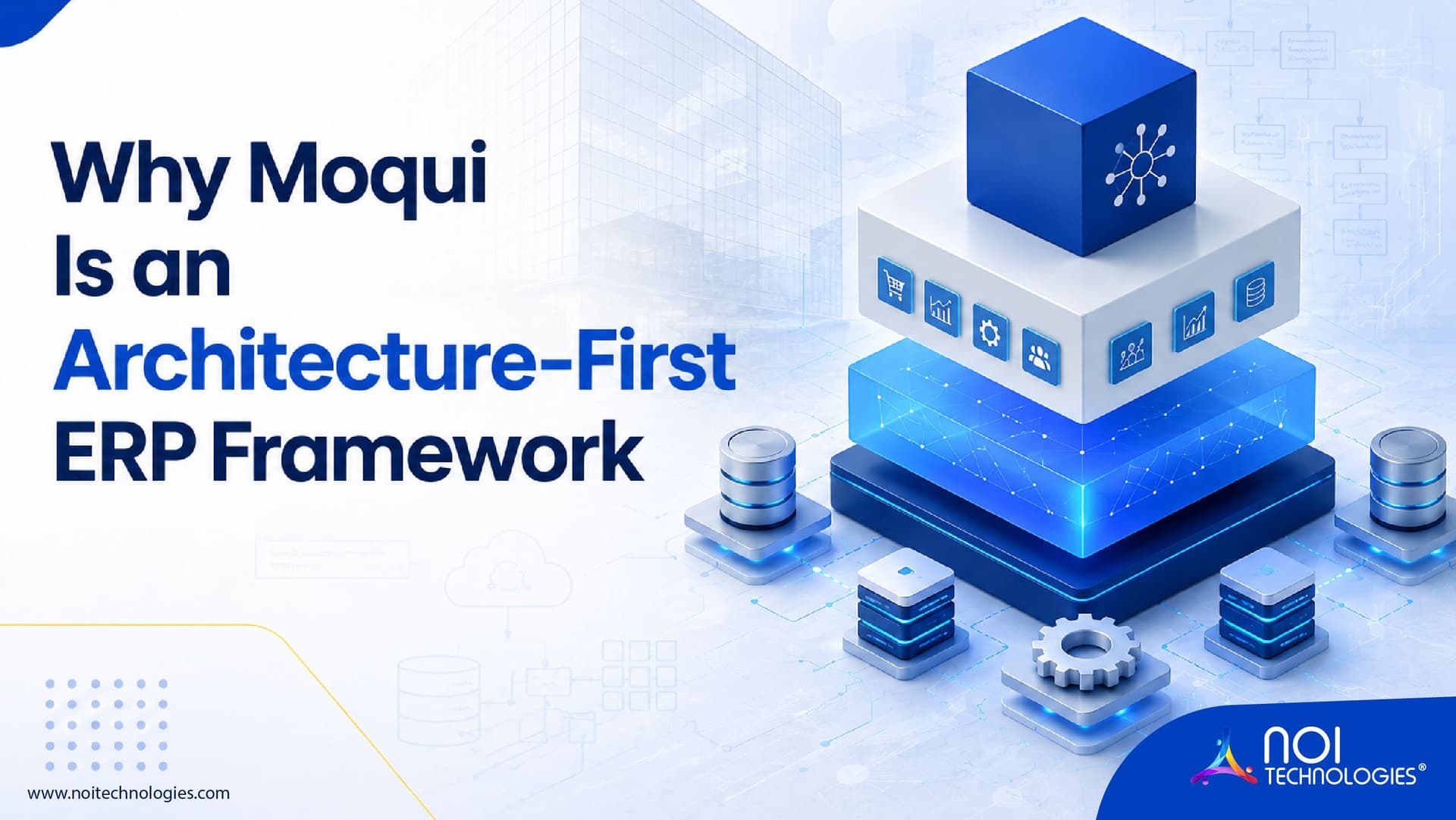
Moqui architecture organizes an enterprise application into connected layers for data, business logic, user interfaces, and security. The Moqui Framework provides tools for defining entities, services, and screens; Mantle adds reusable business data models and services; and applications build on those foundations to support ERP workflows.
This guide explains Moqui's framework, Mantle, and application layers; how a request moves through entities, services, screens, and APIs; and how security, runtime configuration, and deployment fit into the architecture.
How Moqui Architecture Is Organized
Moqui is an application framework that can be used to build ERP and other enterprise systems. Its architecture is easier to understand when the framework, reusable business artifacts, and finished applications are viewed as related but distinct parts.
Moqui Framework
The framework supplies the core tools developers use to define data entities, run business services, build screens and forms, control access, and connect with other systems. These tools work together within the same application environment.
Mantle Business Artifacts
Mantle sits above the framework and provides reusable business data models, services, screens, and forms. A team can build on these artifacts instead of defining every common business concept from the beginning.
ERP and Other Business Applications
Applications use the framework and, where appropriate, Mantle artifacts to deliver workflows for functions such as orders, inventory, purchasing, and accounting. A custom Moqui implementation can extend these layers to fit its own processes.
How Moqui's Modular Architecture Works
Moqui organizes application functionality into components. A component can group the entities, services, screens, configuration, and other artifacts needed for a business function. For example, an order management component may contain order data definitions, services that process orders, and screens used by staff.
These components run on the Moqui Framework. They can also use Mantle's reusable business data models and services where those fit the project's needs. Developers can add custom components for business-specific workflows and integrations without placing every function in one large application component.
This modular architecture gives each part of the application a clearer responsibility. Teams can see where a business rule belongs, reuse suitable artifacts, and maintain related functionality together as the system grows. This component-based approach contrasts with the more rigid, monolithic structure common in traditional ERPs, where customization is harder to isolate from core code.
The Core Layers of Moqui Architecture
Framework, Mantle, and applications describe the overall structure of a Moqui solution. Within an application, entities define data, services handle business operations, and screens manage user interactions. The following sections explain these application-level responsibilities.
Entity Layer: Defining and Accessing Data
Entities describe the data an application stores and the relationships between records. Moqui's Entity Facade gives services and other application artifacts a consistent way to work with that data. In an ERP application, entities might represent orders, products, inventory records, or customers.
Service Layer: Running Business Logic
Services contain reusable application logic. A service can validate inputs, carry out a transaction, call another service, and read or update entities. The same service may support an internal workflow or be exposed to another system through an appropriate interface. Keeping business logic in services helps teams avoid implementing the same rule separately in multiple screens or integrations.
Screen Layer: Handling User Interactions
Screens and forms present information and collect user input. Screen actions can prepare data for display, while transitions can process a user's action and call a service. This connects the user interface to the service and entity layers without placing every business rule inside a page.
Execution Context, Artifacts, and Security
Moqui uses an Execution Context while processing application work. It gives framework code and application artifacts access to tools for entities, services, screens, users, transactions, resources, and caching. An artifact is a defined part of the application, such as a screen, service, or entity operation.
Moqui can apply authentication and artifact-aware authorization as these operations run. A project must define which users may access a screen, call a service, or work with protected data. Hiding an action in the interface alone is not a substitute for checking access to the underlying operation.
The Resource Facade helps application code locate and use resources such as component files, templates, and other configured content. These framework tools let different components use a consistent execution and access-control model.
What Technologies Does Moqui Use?
Moqui is a Java-based framework that also uses Apache Groovy for application logic. Developers can define entities, services, screens, and other application artifacts using Moqui's conventions, including XML definitions. Gradle supports building and running the framework.
The database, frontend, and optional tools for capabilities such as search or integration depend on the project's requirements.
Moqui can also support more specialized business rules and workflow requirements through appropriate framework features or optional tool components. A project should choose those tools based on its process needs; a standard Moqui application does not require a separate rules or workflow engine.
How a Request Moves Through a Moqui Application
Consider a customer service employee creating an order. This is an illustrative flow; the exact services and data model depend on the application.
- Screen: The employee enters the order details and submits the form. An external storefront could instead send an API request.
- Access control: The application checks whether the user or calling system is allowed to perform the action.
- Service: An order service validates the input and applies business rules, such as checking required customer and product details.
- Data access: The service uses the Entity Facade to create or update order records. It may use suitable Mantle artifacts or custom entities and services defined for the project.
- Result: The service returns a success response or an error. The screen then displays the result to the employee, or the API returns it to the calling system.
In this design, the screen and API are different entry points to the business operation. Keeping the order rules in a service allows those rules to be reused without duplicating them in each interface.
How Data, Services, and APIs Work Together
Moqui entity definitions describe data fields and relationships, while the Entity Facade provides a consistent way to read and update records. An application can use suitable Mantle data models or define custom entities for business-specific information. The configured data source determines where those records are stored.
A service defines a business operation with expected inputs and outputs. It can validate parameters, apply rules, call other services, and use the Entity Facade to work with data. When an operation changes several related records, its transaction design should define which changes must succeed or fail together.
A screen and an API can both call an appropriate service. The API handles the external request and response, while the service keeps the business rules in one place. The implementation must also define authentication, authorization, data ownership, and error handling for that integration.
Moqui Runtime and Deployment Architecture
A Moqui deployment includes the framework application and a runtime directory containing components and configuration. The runtime configuration determines details such as data sources and the components the application loads. Moqui can run from an executable WAR file or be deployed to a compatible application server.
The deployment may also need a separate database and other services according to the application's requirements. Moqui provides caching tools, but performance still depends on data access patterns, configuration, infrastructure, and the workload being handled.
Multi-Instance and Multi-Tenant Design
For applications serving multiple organizations, teams must decide how application processes and data will be separated. Multiple instances can run as separate deployments. A multi-tenant design may instead serve organizations within an application using carefully configured data separation and authorization. These are different approaches; the choice depends on isolation, operations, cost, and security requirements.
Architecture Planning and a Moqui Project Example
In a real project, the architecture decisions begin with the business workflow: what data the application needs, which operations belong in services, who can perform them, and which screens or external systems need access.
NOI Technologies used Moqui to develop connected warehouse management, order management, and ecommerce capabilities for NOGIN. The NOGIN case study provides a project example of these connected business functions. This kind of delivery experience reflects why teams choose NOI Technologies for Moqui development. For help planning or building a Moqui application, explore our Moqui development and consulting services. For a broader comparison beyond Moqui, see our shortlist of the top 5 open-source ERP frameworks.
For a warehouse-focused example, see the Fulfillment Plus Moqui WMS case study.
Moqui Architecture References
- Official Moqui Framework documentation for framework concepts and configuration.
- Moqui Framework source code for the implementation of framework capabilities.
- Moqui Runtime repository for the default runtime structure and components.
Moqui Architecture: Key Takeaways
Moqui architecture combines framework tools, reusable business artifacts, and application components. Within an application, screens and APIs receive requests, services handle business operations, entities define data fields and relationships, and the Entity Facade provides access to records.
For a development team, the key decisions are which Mantle artifacts to reuse, where custom components are needed, and how to keep business rules consistent across user interfaces and integrations.