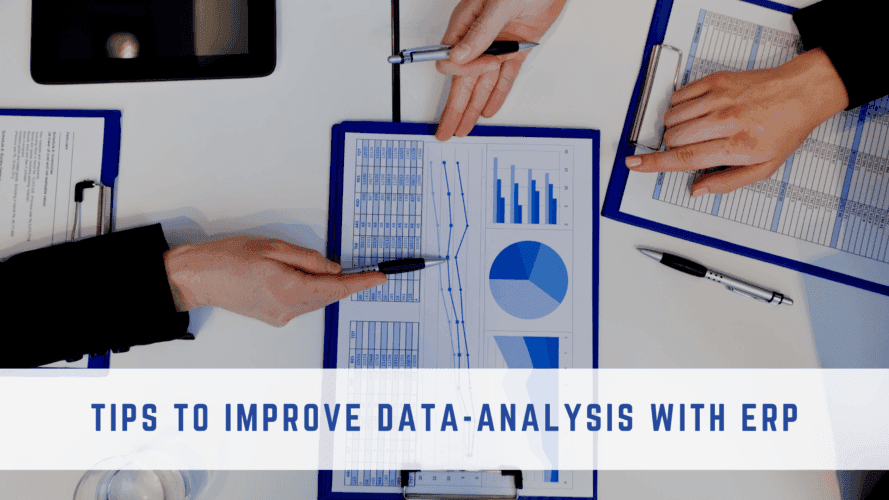
How ERP Data Analysis Improves Business Decisions
ERP systems store business data from departments such as finance, HR, CRM, sales, inventory, procurement, and operations. When this data is properly organized and analyzed, businesses can identify performance gaps, improve forecasting, reduce reporting errors, and make faster decisions.
Improving data analysis with ERP is not only about creating dashboards. It also requires the right KPIs, clean data, automated alerts, connected reports, and clear processes for turning insights into action.
This guide explains 10 practical ways to improve data analysis with ERP software and use business data more effectively.
For businesses that need stronger data pipelines, reporting systems, and analytics workflows, data engineering and analytics services can help connect ERP data with cleaner dashboards and more reliable business insights.
These tips apply to businesses using ERP systems for finance, sales, inventory, HR, procurement, reporting, and daily operational planning.
10 Proven Tips to Improve Data Analysis with ERP
1. Use ERP Dashboards for Real-Time Visibility
ERP dashboards help businesses monitor performance through charts, reports, and real-time data views. Instead of waiting for monthly or quarterly reports, teams can track finance, sales, inventory, procurement, production, and operations data as changes happen.
To make dashboards useful, focus on the KPIs that matter most to each department. A finance dashboard may track cash flow, expenses, and revenue, while an inventory dashboard may track stock levels, turnover, shortages, and order fulfillment performance.
2. Create Department-Level Scorecards
Scorecards help businesses measure how each department is performing against specific goals. Teams can use scorecards to track sales targets, inventory accuracy, training completion, production output, customer response time, or procurement performance.
ERP scorecards become more valuable when they are updated regularly and connected to clear business goals. This helps managers see which processes are working, which teams need support, and where performance needs improvement.
3. Set Up Data Alerts and Exceptions
ERP alerts help teams respond faster when something goes outside the expected range. Businesses can create alerts for low inventory, delayed orders, overdue invoices, budget overruns, production delays, or unusual sales drops.
Exception reporting also helps teams focus on problems that need attention instead of reviewing every report manually. This saves time and makes ERP data analysis more practical for daily decision-making.
4. Choose the Right KPIs to Analyze
ERP data analysis works best when businesses track metrics that connect directly to business goals. Instead of measuring everything, teams should focus on KPIs that show performance, risk, efficiency, cost, and customer impact.
Useful ERP KPIs may include inventory turnover, order accuracy, cash flow, sales growth, production efficiency, procurement cycle time, customer satisfaction, and delivery performance.
5. Clean and Standardize ERP Data
Data analysis becomes unreliable when ERP records are incomplete, duplicated, outdated, or entered in different formats. Businesses should regularly clean customer records, product details, vendor information, financial entries, and inventory data.
Standardizing data entry rules helps teams reduce reporting errors and create more accurate dashboards, alerts, and forecasts.
6. Connect ERP Data Across Departments
ERP analysis becomes stronger when finance, HR, CRM, sales, inventory, procurement, and operations data are connected. This gives decision-makers a complete view of business performance instead of disconnected department-level reports.
For example, connecting sales and inventory data can help teams understand demand patterns, prevent stockouts, and plan purchasing more accurately.
7. Use Historical ERP Data for Forecasting
Historical ERP data can help businesses forecast demand, revenue, inventory needs, production workload, and cash flow. These forecasts help teams plan ahead instead of reacting after problems appear.
By comparing past trends with current performance, businesses can identify seasonal patterns, recurring bottlenecks, and areas where resources need to be adjusted.
8. Automate Recurring ERP Reports
Manual reporting takes time and increases the risk of errors. ERP systems can help automate recurring reports for finance, inventory, sales, procurement, HR, and operations.
Automated reports help decision-makers receive updated information regularly without waiting for teams to prepare spreadsheets manually.
9. Make Reports Easy to Understand
ERP reports should be clear enough for managers, department heads, and business owners to understand quickly. Use simple labels, visual charts, filters, summaries, and action-focused insights instead of overwhelming users with raw data.
A useful ERP report should not only show what happened. It should help the team understand why it happened and what action should be taken next.
10. Turn ERP Insights Into Action
ERP data analysis is only valuable when businesses act on the insights. After reviewing dashboards, scorecards, alerts, or reports, teams should assign owners, set deadlines, and track whether the action improves performance.
This turns ERP reporting from a passive data review into an active improvement process for better decisions, stronger operations, and more accurate planning.
Common ERP Data Analysis Mistakes to Avoid
Even with a strong ERP system, data analysis can fail if the data is incomplete, disconnected, or not tied to business goals. Avoiding these common mistakes can help businesses get more accurate insights from ERP reports and dashboards.
- Tracking too many KPIs without knowing which ones affect business decisions
- Using outdated, duplicate, or incomplete ERP data
- Relying only on dashboards without reviewing the root cause of problems
- Keeping finance, inventory, sales, HR, and operations data disconnected
- Creating reports that are too complex for managers to understand quickly
- Reviewing ERP data without assigning follow-up actions or owners
Final Thoughts on ERP Data Analysis
ERP data analysis helps businesses turn daily operational data into useful insights for better decisions. With the right dashboards, KPIs, scorecards, alerts, clean data, and automated reports, companies can improve visibility across departments and respond faster to performance issues.
The goal is not only to collect more data. The real value comes from using ERP data to find problems, understand trends, improve planning, and take action with confidence.
Need Better ERP Reporting and Data Visibility?
NOI Technologies helps businesses improve ERP dashboards, reporting workflows, integrations, and data visibility so teams can make faster and more accurate decisions.