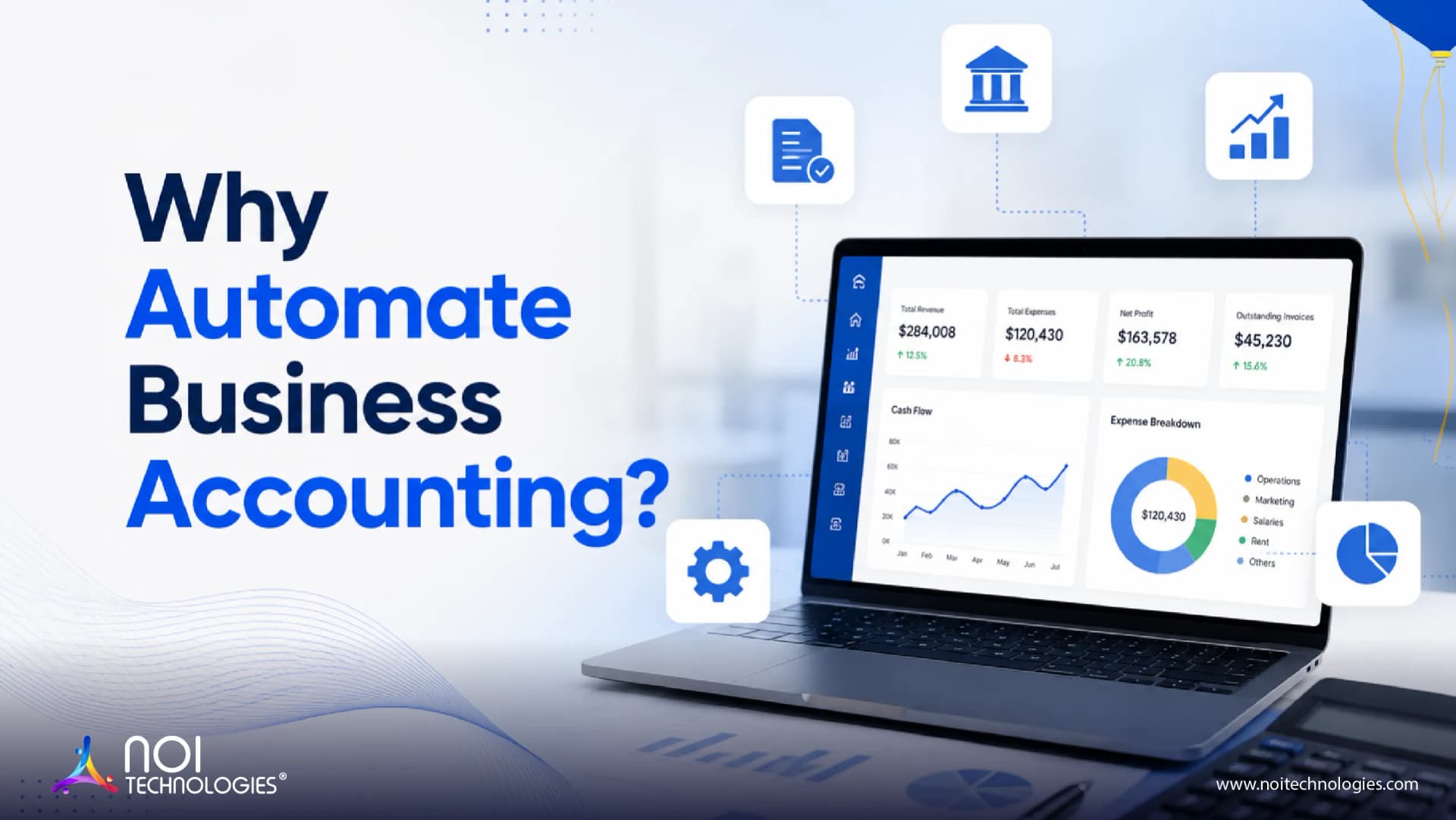
Business accounting automation helps companies reduce manual data entry, improve financial accuracy, speed up reporting, and keep accounting workflows more consistent.
Manual accounting processes often create delays, duplicate work, and avoidable errors. Tasks such as invoice entry, ledger updates, payment tracking, tax calculations, expense approvals, and financial reporting can become difficult to manage as transaction volume grows.
Automating business accounting allows companies to handle routine financial tasks through software workflows. This helps finance teams spend less time correcting records and more time reviewing financial performance, cash flow, compliance, and business planning.
Why Should Businesses Automate Accounting?
Accounting automation is useful when finance teams need better control over recurring tasks, large volumes of data, and time-sensitive financial records. Instead of relying only on manual updates, businesses can use accounting automation software to capture, process, validate, and organize financial information more efficiently.
This is especially important for businesses that manage multiple departments, sales channels, vendors, customers, invoices, tax rules, or reporting requirements.
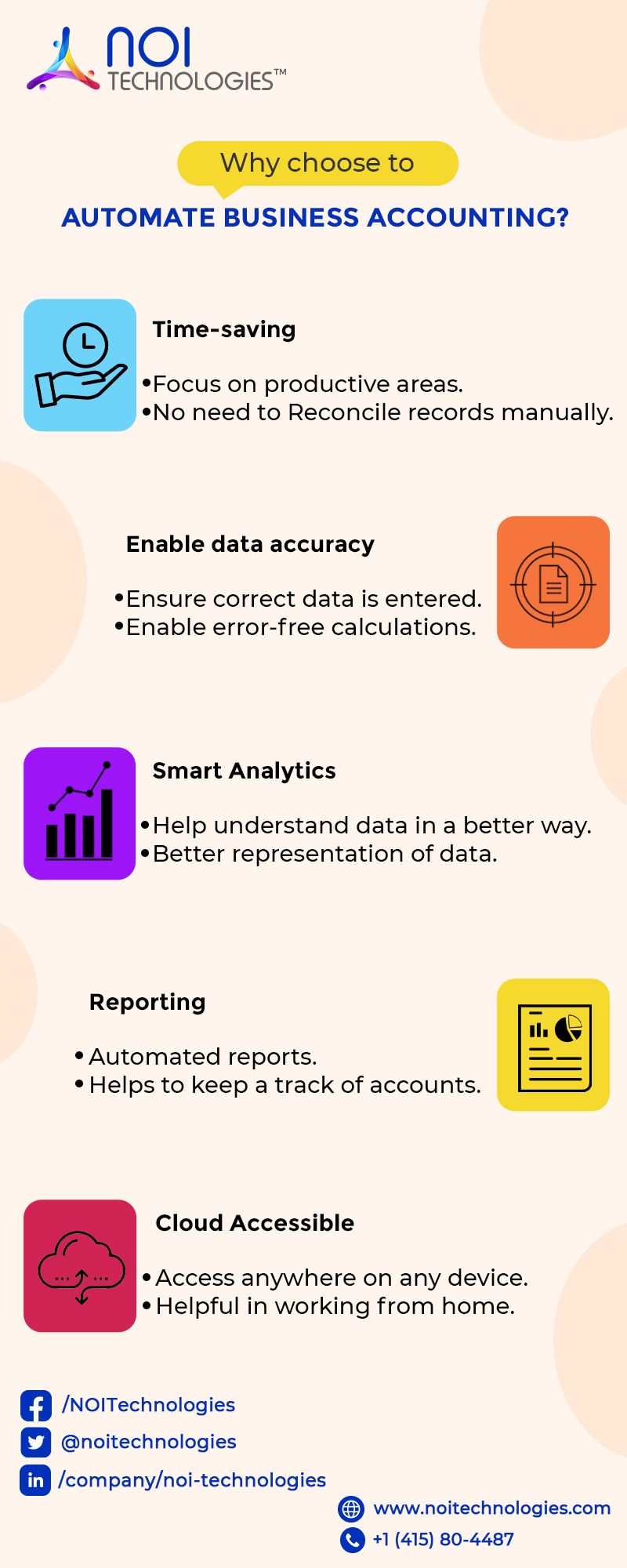
Key Benefits of Business Accounting Automation
Reduces Manual Data Entry
Manual data entry is one of the most common causes of accounting errors. Accounting automation can reduce repetitive entry work by connecting invoices, payments, purchase orders, expense records, and ledger entries through a structured workflow.
This helps finance teams avoid duplicate records, missing entries, and mismatched financial data.
Improves Accuracy in Financial Records
Automated accounting workflows can apply validation rules, approval steps, and system checks before financial data is recorded. This improves the reliability of ledgers, invoices, reconciliations, and reports.
Accurate records also make audits, tax preparation, and financial reviews easier to manage.
Speeds Up Invoice and Payment Processing
Businesses often lose time when invoices and payments move through email threads, spreadsheets, or manual approval chains. Accounting automation can route invoices to the right person, track approval status, match documents, and update payment records.
This helps reduce delays in accounts payable and accounts receivable workflows.
Gives Better Visibility into Cash Flow
Automated accounting systems can help businesses track incoming payments, outgoing expenses, unpaid invoices, vendor payments, and account balances more clearly.
With better financial visibility, business owners and finance teams can make more informed decisions about budgeting, purchasing, hiring, and operational planning.
Supports Compliance and Audit Readiness
Accounting automation can help maintain a clear record of transactions, approvals, changes, and supporting documents. This creates a stronger audit trail and helps businesses stay better prepared for compliance checks, tax filing, and internal reviews.
It also reduces the risk of missing records or inconsistent documentation.
Improves Reporting and Decision-Making
When accounting data is updated consistently, financial reports become easier to generate and review. Automation helps teams prepare reports on revenue, expenses, profit margins, cash flow, liabilities, and department-level costs with less manual effort.
This gives leadership better insight into business performance without waiting for slow manual reporting cycles.
Accounting Workflows That Can Be Automated
Not every accounting process needs full automation at once. Businesses can start with high-volume or error-prone workflows and expand from there.
Common accounting workflows that can be automated include:
- Invoice creation and invoice approval
- Accounts payable and accounts receivable
- Expense tracking and reimbursement approvals
- Ledger entries and journal posting
- Bank reconciliation
- Tax calculation and compliance reporting
- Purchase order and invoice matching
- Vendor payment tracking
- Financial reporting and dashboards
When Does a Business Need Accounting Automation?
A business should consider accounting automation when finance work becomes difficult to manage through spreadsheets, disconnected tools, or manual approvals.
Some common signs include frequent data entry errors, delayed reports, slow invoice approvals, unclear cash flow visibility, missed payment follow-ups, duplicate records, and difficulty preparing audit-ready financial data.
Accounting automation becomes more valuable as the business grows, especially when transaction volume, vendor count, customer records, and reporting needs increase.
Custom Accounting Automation with ERP Systems
For many businesses, accounting automation works best when it is connected with an ERP system. ERP-based accounting automation can connect finance with sales, procurement, inventory, orders, vendors, customers, and reporting workflows.
NOI Technologies develops custom account management and ERP-connected accounting solutions, including Apache OFBiz-based accounting systems, for businesses that need structured financial workflows, custom approvals, reporting, and integration with other business systems.
Final Thoughts
Automating business accounting helps companies reduce manual work, improve accuracy, speed up reporting, and create better control over financial processes.
The goal is not to replace finance teams. The goal is to remove repetitive accounting tasks so teams can focus on reviewing financial performance, managing compliance, improving cash flow, and supporting better business decisions.
Businesses should start by identifying the accounting workflows that create the most delays or errors. From there, automation can be planned around real finance operations instead of adding software for the sake of it.
Need Help Automating Business Accounting?
NOI Technologies can help you plan and develop ERP-connected accounting automation workflows for invoices, ledgers, approvals, reporting, and financial operations.