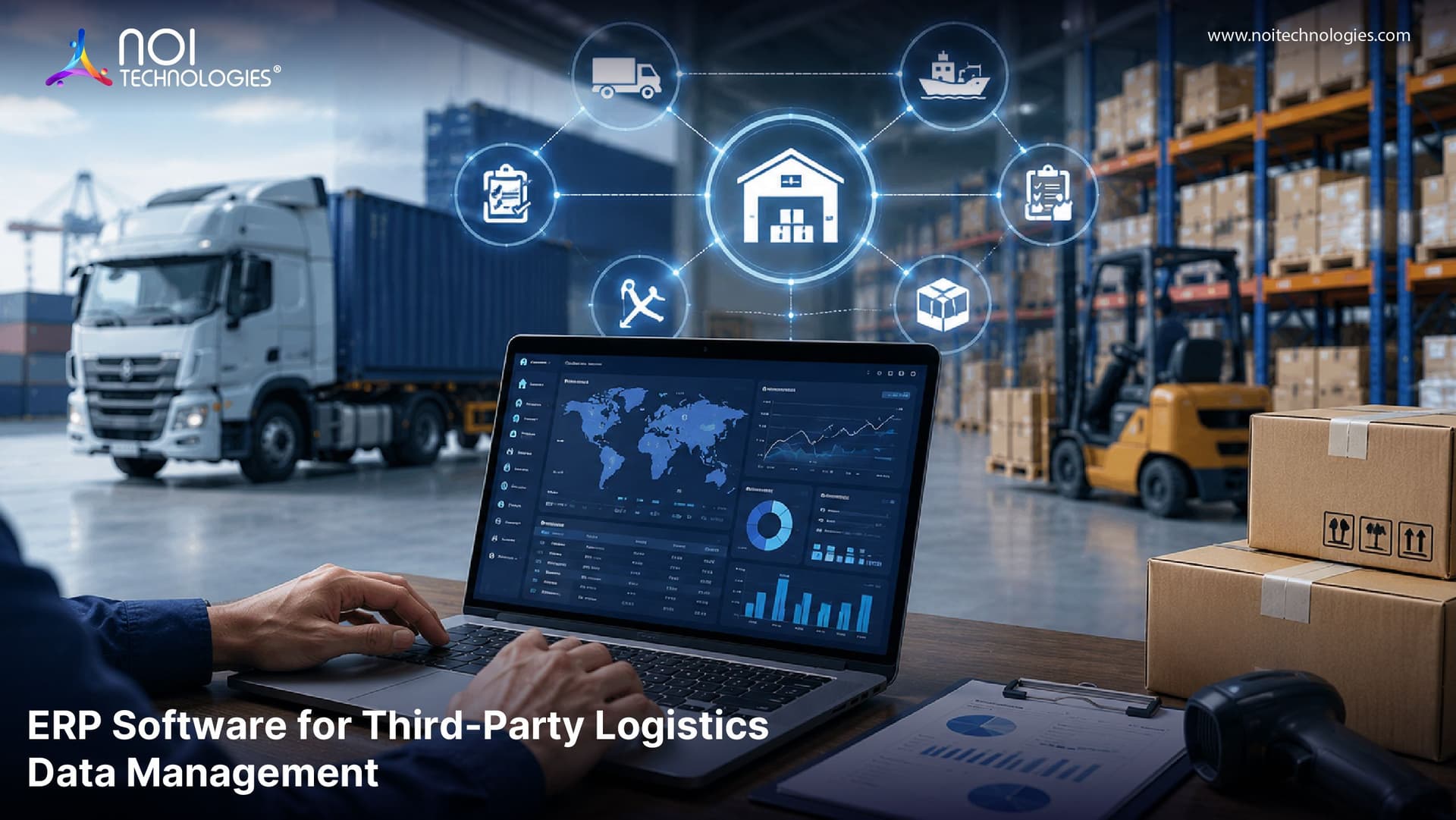
Third-party logistics data becomes difficult to manage when orders, inventory records, shipment updates, invoices, warehouse activities, and customer information are spread across different systems. For growing businesses, this can create delayed updates, inaccurate reports, billing errors, and poor visibility across the fulfillment process.
ERP software can help businesses connect order, inventory, shipment, and finance data across their own systems and a third-party logistics provider's tools. When the ERP, 3PL warehouse system, ecommerce platform, and carrier systems exchange the right updates, teams can see fulfillment progress, spot mismatched records, and reduce manual reconciliation.
The data problem looks different depending on who you are. A business using a 3PL needs accurate updates from its fulfillment partner. A 3PL also needs to connect warehouse activity with client records, reporting, and billing. This guide explains both situations, the role of ERP software, and when fixing an existing integration may be enough.
Where 3PL Data Breaks Down
Third-party logistics (3PL) providers handle activities such as warehousing, order fulfillment, shipping, and returns for other businesses. Those activities create records in different systems: an ecommerce platform receives the order, a warehouse management system (WMS) records the physical work, a carrier provides delivery events, and an ERP or accounting system handles financial records.
Problems arise when those records do not stay aligned. A stock adjustment recorded in the WMS may not reach the sales channel before another order is placed. A shipped order may still appear pending in the ERP. If warehouse activity is not connected to billing rules, a 3PL may miss a charge or send an invoice its client cannot reconcile.
Common Third-Party Logistics Data Challenges
Disconnected Systems
One of the biggest challenges in third-party logistics is disconnected software. A business may use one platform for orders, another for inventory, another for shipping, and another for accounting. If these systems do not share data properly, teams have to manually move information between them.
This creates delays, duplicate entries, and reporting problems. It also makes it harder for managers to get a complete view of logistics performance.
Delayed Shipment Updates
Shipment updates are important for both internal teams and customers. When tracking information is delayed or missing, businesses cannot give accurate delivery updates. This can lead to customer complaints, support tickets, and a weaker customer experience.
Delayed updates also make it difficult to identify shipping problems early. If a shipment is stuck, lost, or delayed, the business may not know until the customer raises an issue.
Inventory Data Mismatches
Inventory accuracy is critical in logistics. If the data in the warehouse does not match the data in the sales system, businesses may oversell products, delay orders, or hold too much stock.
Inventory mismatches are common when stock updates are handled manually or when different systems are not integrated. This becomes more difficult when a business manages multiple warehouses, sales channels, or product categories.
Limited Visibility Across Operations
Businesses need visibility into the full logistics process, including receiving, storage, picking, packing, shipping, returns, and invoicing. Without centralized data, managers may only see part of the process.
This limited visibility makes it harder to identify bottlenecks, measure performance, track costs, and improve operations.
Billing and Invoice Errors
Third-party logistics billing can include storage charges, pick and pack fees, shipping charges, handling fees, return processing, packaging costs, and value-added services. If billing data is not connected to logistics activity, invoice errors can happen easily.
Incorrect invoices can damage client trust, delay payments, and reduce profitability. For logistics businesses, accurate billing depends on accurate operational data.
API and Integration Issues
An integration can be connected and still provide unreliable data. For example, a 3PL may mark an order as shipped in its WMS while a failed update leaves the ERP showing it as pending. Customer service then sees the wrong status, and finance may work from incomplete records.
Define which system owns each status, when updates should be sent, and how failed updates are detected and retried. Reliable ERP and WMS integration depends on these rules as well as an API connection.
How ERP Software Helps Solve 3PL Data Issues
ERP software helps manage the business records connected to third-party logistics, including orders, purchasing, customer accounts, invoicing, and reporting. It provides a useful shared view when it receives dependable updates from the 3PL's WMS, ecommerce platform, and shipping systems. The ERP does not replace the warehouse system's record of physical fulfillment work.
Centralized Logistics Data
ERP software creates a central place for logistics data. This can include customer orders, supplier information, warehouse records, shipment status, inventory movement, invoices, and financial reports.
With centralized data, teams do not need to search through multiple systems to understand what is happening. Managers can access cleaner information and make faster operational decisions.
Better Inventory and Order Visibility
ERP software can help businesses track inventory movement across warehouses, sales channels, and fulfillment partners. When connected with warehouse and ecommerce systems, ERP software can show stock levels, order status, and inventory changes more accurately.
This helps reduce overselling, stockouts, delayed fulfillment, and manual inventory checks.
Improved Shipment Tracking
When ERP software is integrated with shipping and carrier systems, shipment updates can be recorded and shared more efficiently. Teams can monitor order dispatch, delivery status, delays, and exceptions from a connected system.
This improves communication with customers and helps businesses respond quickly when delivery problems occur.
Automated Reporting and Analytics
ERP software can turn logistics data into useful reports. Businesses can track fulfillment performance, shipping delays, warehouse productivity, inventory value, order trends, and cost patterns.
These insights help managers identify problems, compare provider performance, and make better supply chain decisions.
More Accurate Billing and Financial Control
ERP software connects logistics activity with finance and accounting workflows. This helps businesses match services, shipments, storage, and handling activities with billing records.
For 3PL operations, this can reduce missed charges, invoice errors, payment delays, and disputes. It also gives finance teams better visibility into logistics costs and profitability.
Better Governance and Data Control
ERP software helps businesses control who can access logistics data, how information is updated, and how records are maintained. This improves accountability and reduces confusion across departments.
With a structured ERP system, companies can maintain better records for orders, inventory, billing, customer communication, and compliance requirements.
ERP, WMS, and TMS: How They Work Together
ERP software is important for managing business-wide data, but it is not the only system involved in third-party logistics. Many logistics operations also use warehouse management systems and transportation management systems.
A warehouse management system focuses on warehouse execution. It helps manage receiving, putaway, inventory tracking, picking, packing, shipping, returns, and warehouse workflows. A transportation management system helps manage carrier selection, freight movement, delivery tracking, and transportation performance.
ERP software connects these operational systems with business processes such as finance, procurement, invoicing, customer records, and reporting. When ERP, WMS, and TMS platforms work together, businesses get a more complete view of logistics performance.
For example, a WMS may record that an order has been picked and packed. A TMS may provide the tracking number and carrier update. The ERP system can use this data to update the customer record, support billing, and create reports for management.
Which System Should Own Each 3PL Data Update?
Before connecting systems, decide where each record is created and which updates other teams need. The exact ownership depends on the business and its software, but this example shows the decisions an integration plan should document.
| Record or event | Typical source | Who needs the update | What to check when records differ |
|---|---|---|---|
| Approved customer order | Ecommerce platform or ERP | 3PL WMS | Order ID, SKU mapping, address validation, and transmission errors |
| Receipt or inventory adjustment | 3PL WMS | ERP and sales channels | Location, available quantity, update timing, and failed syncs |
| Picked, packed, or shipped status | 3PL WMS | ERP, ecommerce platform, and customer service | Status definitions, timestamps, and duplicate or missing events |
| Tracking and delivery event | Carrier or shipping system | ERP, ecommerce platform, and customer service | Tracking number mapping and delayed carrier updates |
| Billable storage or handling activity | 3PL WMS or billing system | ERP and finance team | Client rate rules, recorded activity, and invoice reconciliation |
The goal is to make a failed handoff visible and recoverable, rather than assuming that an API connection guarantees accurate data.
Example: How ERP Solves a 3PL Data Visibility Problem
Suppose an ecommerce business outsources fulfillment to a third-party logistics provider. Orders come from Shopify, inventory is stored in multiple warehouse locations, shipping labels are generated through carrier software, and invoices are created separately at the end of the month.
Without connected data, the business may not know which orders have shipped, which products are running low, which shipments are delayed, or which services should be billed. Customer service teams may have to contact the warehouse manually for updates, and finance teams may spend hours checking billing details.
In a connected workflow, the business sends an approved order to the 3PL's warehouse system. The 3PL returns inventory changes and picking, packing, and shipping status. The carrier provides tracking events, while the ERP connects the completed order and agreed charges to finance records. Teams can then investigate a missing update or billing difference at the point where it occurred.
In a client project, NOI developed a custom Moqui-based ERP and WMS for Fulfillment Plus NY, connecting warehouse activity with inventory, orders, and reporting. See the Fulfillment Plus NY 3PL case study.
Key ERP Features for Third-Party Logistics Data Management
- Shared order IDs and product records across the ERP and 3PL WMS
- Inventory updates that distinguish physical stock from stock available to sell
- Picking, shipping, and return statuses that follow agreed definitions
- Alerts or logs for failed and delayed data updates
- Warehouse activity connected to client-specific billing rules
- Reporting that lets teams trace a discrepancy back to its source
These features help businesses reduce disconnected workflows and improve control over third-party logistics operations.
When Should a Business Use ERP for 3PL Data Management?
Start by identifying where the data breaks down. If the main problem is that an existing ERP does not receive timely inventory or shipment updates from a 3PL, improving the integration may be enough. A broader ERP project may make sense when order, finance, customer, and inventory records are also fragmented across the business.
Map one order from placement through fulfillment, delivery, and invoice reconciliation. Note which system owns each record, where employees reenter information, and which updates arrive too late. That review will show whether the priority is an integration fix, a process change, or a larger system change.
Before changing systems, also check whether duplicate SKUs, inconsistent customer records, or unclear inventory definitions are causing the mismatch.
Frequently Asked Questions
How does ERP software help with 3PL data management?
ERP software helps centralize order, inventory, shipment, finance, and customer data. This improves visibility across third-party logistics operations and reduces the need for manual updates between disconnected systems.
Do 3PL companies need both ERP and WMS software?
Many 3PL companies use both. ERP software manages business-wide processes such as finance, billing, procurement, customer records, and reporting. WMS software manages warehouse execution such as receiving, picking, packing, inventory tracking, and shipping.
Is ERP enough to manage third-party logistics operations?
ERP software can manage many business and data processes, but most growing logistics operations also need dedicated warehouse, transportation, and integration tools for real-time execution and fulfillment accuracy.
Conclusion
Managing 3PL data starts with reliable handoffs between the systems that own orders, warehouse activity, shipment events, and financial records. An ERP can bring these records together for planning and reporting, while the 3PL's WMS and connected carrier tools continue to handle fulfillment and delivery updates. Review a real order workflow to find which handoff needs fixing first.
Discuss Your 3PL Data Integration Requirements
If order, inventory, shipment, or billing records do not match across your systems, NOI Technologies can help assess the data handoffs and determine whether you need an integration fix or a broader ERP solution. Discuss your requirements with our team.