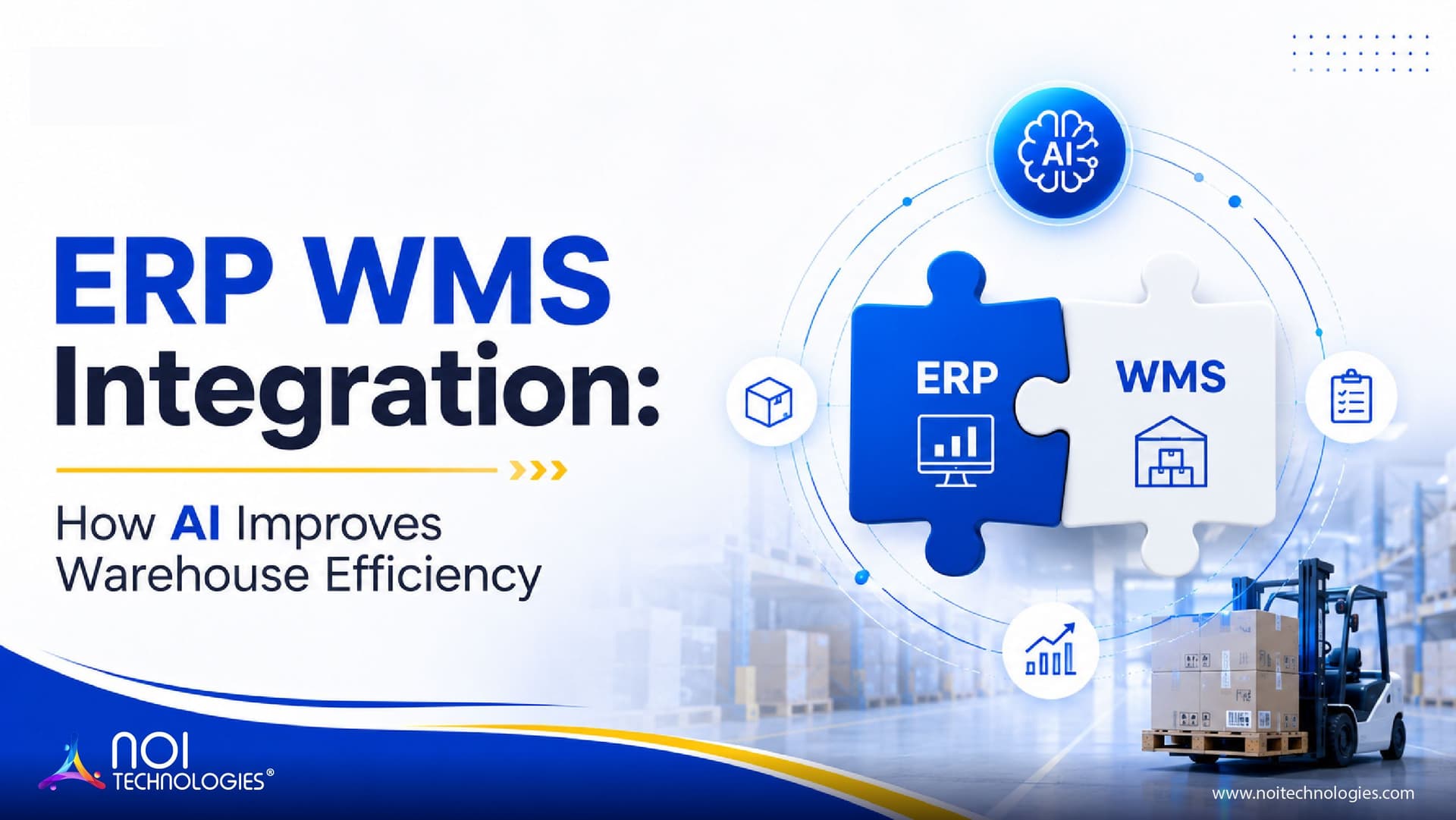
ERP WMS integration connects your enterprise resource planning system with your warehouse management system so inventory, orders, purchasing, shipping, finance, and fulfillment data can move between both platforms without repeated manual entry.
For businesses that manage ecommerce orders, wholesale distribution, manufacturing inventory, or multi-warehouse operations, this integration can improve data accuracy, warehouse speed, order visibility, and decision-making across teams.
This guide explains how ERP and WMS systems work together, why integration matters, what steps are involved, and what businesses should check before connecting both platforms.
What Is ERP WMS Integration?
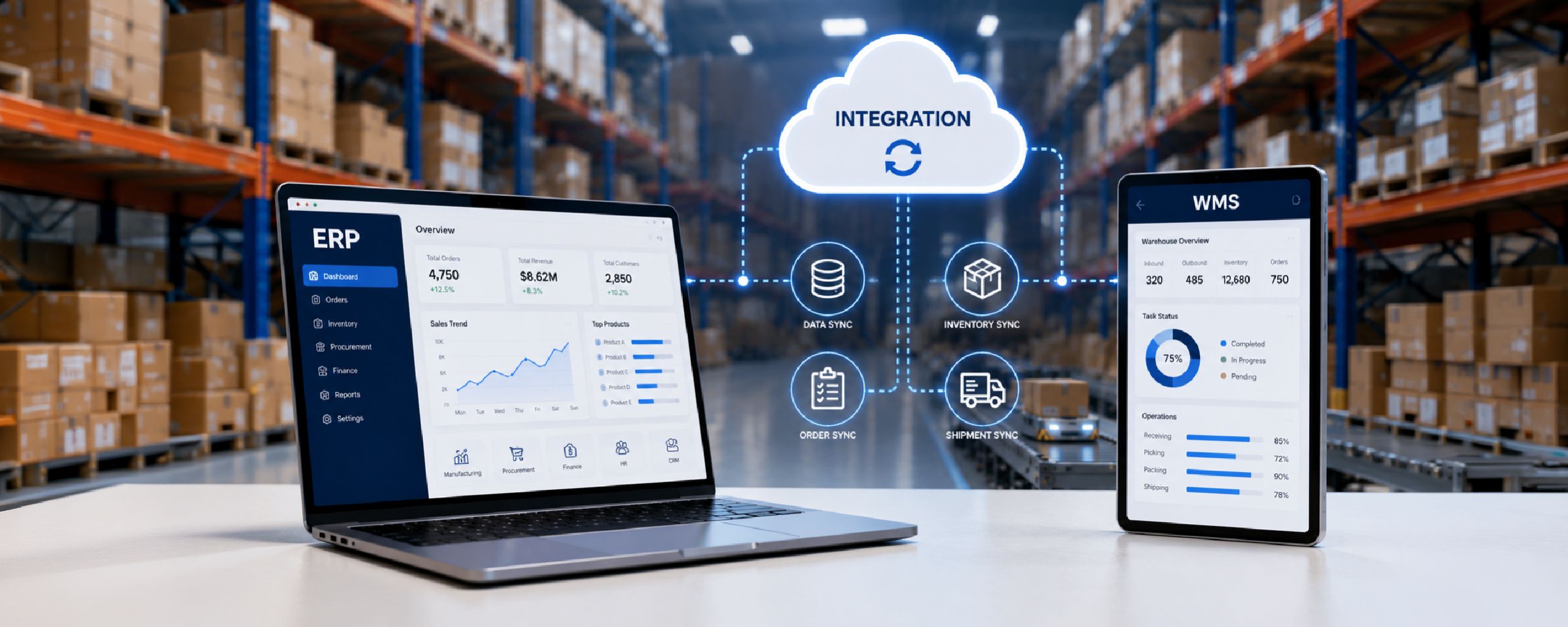
ERP WMS integration connects an enterprise resource planning system with a warehouse management system so each can use the data produced by the other. An ERP may send product data, purchase orders, and approved sales orders to the WMS. The WMS can return confirmed receipts, inventory changes, shipment details, and return updates. Which system owns each record must be decided during implementation.
The ERP usually manages broader business functions such as finance, purchasing, sales, procurement, accounting, customer records, and supply chain planning. The WMS manages warehouse-specific operations such as receiving, putaway, stock movement, picking, packing, shipping, returns, and inventory control.
When both systems are connected, warehouse activity can update the ERP in real time, and ERP data can guide warehouse execution. For example, when a sales order is created in the ERP, it can be sent to the WMS for picking and packing. Once the order is shipped, the WMS can send shipment status, tracking information, and inventory updates back to the ERP.
ERP vs WMS: What Each System Does
What an ERP System Does
An ERP system gives a business a central platform for managing core operations. It usually supports finance, procurement, sales, accounting, production planning, HR, reporting, and supply chain workflows.
For warehouse-related operations, the ERP may store product master data, purchase orders, sales orders, supplier information, customer details, pricing, invoicing, and financial records.
What a WMS Does
A warehouse management system is designed for warehouse execution. It helps teams manage inventory movement inside the warehouse, including receiving, bin locations, picking, packing, shipping, returns, cycle counts, barcode scanning, and order fulfillment.
A WMS gives warehouse teams more operational control than a general ERP warehouse module, especially when the business handles high order volume, multi-client fulfillment, barcode workflows, complex picking rules, or multiple warehouse locations.
Why Businesses Often Need Both
An ERP gives the business a wider operational and financial view. A WMS gives the warehouse team deeper control over daily fulfillment activity. When both systems are integrated properly, the business can reduce duplicate work and create a more reliable flow of information between office teams and warehouse teams. Third-party logistics providers face this same divide between operational and financial visibility, which is why connecting ERP, WMS, and billing data is central to solving 3PL data problems.
Benefits of ERP WMS Integration
Improved Inventory Accuracy
Inventory errors often happen when warehouse teams update one system and office teams depend on another. ERP WMS integration reduces this gap by keeping stock levels, order status, and warehouse movements synchronized.
When inventory updates move from the WMS to the ERP automatically, teams can work with more accurate stock availability, reduce overselling, and make better purchasing or replenishment decisions.
Faster Order Fulfillment
Integrated systems help orders move from sales or ERP workflows into the warehouse without manual re-entry. This allows warehouse teams to begin picking, packing, and shipping faster.
Once orders are shipped, the WMS can send tracking details and fulfillment status back to the ERP. This improves visibility for sales, finance, customer service, and operations teams.
Reduced Manual Work and Errors
Manual data transfer between ERP and WMS platforms can create delays, duplicate entries, and mistakes. Integration reduces the need to copy order details, inventory changes, shipment data, and receiving updates between systems.
This is especially valuable for businesses with high order volume, multiple warehouses, or complex fulfillment workflows.
Better Reporting and Decision-Making
When ERP and WMS data stay connected, leaders can get a clearer view of inventory, order performance, warehouse productivity, purchasing needs, fulfillment delays, and cost trends.
This helps businesses make more practical decisions about replenishment, labor planning, warehouse capacity, carrier performance, and customer service.
Stronger Cost Control
ERP WMS integration can support better cost control by improving inventory visibility, reducing fulfillment errors, lowering manual workload, and helping teams avoid unnecessary stockouts or overstocking.
It also gives finance and operations teams a more reliable connection between warehouse activity and business reporting.
The direction of each update depends on which system owns the record. A typical arrangement looks like this:
| Data or event | Typical source | What the receiving system does |
|---|---|---|
| Product and SKU data | ERP | Creates or updates the products the warehouse can receive and fulfill. |
| Purchase orders | ERP | Gives the WMS expected quantities and items for receiving. |
| Sales orders | ERP | Sends approved orders to the WMS for allocation and fulfillment. |
| Receiving and inventory changes | WMS | Updates the ERP with confirmed receipts, adjustments, and stock movements. |
| Shipment confirmation | WMS | Updates the ERP with quantities actually shipped, order status, and tracking details. Partial shipments should not automatically mark the entire order complete. |
| Return receipt | WMS | Confirms what arrived so the ERP can apply the appropriate return and financial workflow. |
This is an example, not a universal ownership rule. Teams should agree on the source of truth for each record before designing the integration, especially when an ecommerce platform or another inventory system is also involved.
Inventory synchronization should distinguish physical stock from available-to-sell quantities. Reservations, damaged stock, quality holds, allocations, and in-transit inventory may affect availability differently across ERP and WMS platforms.
What Happens When an Update Fails?
Suppose the WMS ships an order but the shipment confirmation does not reach the ERP. The warehouse should retain the completed shipment, while the integration records the failed update for review and retry. The retry must identify the original shipment so it does not create a duplicate transaction. Teams should also define who investigates unresolved failures and how the two systems are reconciled.
ERP and WMS Integration Steps
1. Define Business Requirements
Before integration begins, the business should define what data needs to move between the ERP and WMS, which workflows need automation, and which teams depend on the information.
This includes reviewing order flow, inventory rules, warehouse locations, SKU structure, user roles, reporting needs, exception handling, and approval workflows.
2. Map the Data Between Systems
Data mapping is one of the most important parts of ERP WMS integration. Product codes, SKUs, warehouse locations, customer records, order statuses, inventory units, and shipment fields must be aligned between both platforms.
If the data structure is unclear or inconsistent, the integration can create errors instead of solving them. This is why cleanup and validation should happen before deployment.
3. Choose the Right Integration Method
ERP and WMS systems can be connected through APIs, middleware, EDI, prebuilt connectors, or custom integration layers. The right option depends on the existing systems, data volume, workflow complexity, security requirements, and long-term scalability needs.
API-based integration is common in modern ERP and WMS environments, but the appropriate design depends on the workflow. Some operations require immediate responses, while others can use asynchronous events, queues, or scheduled synchronization. See our API-first ERP integration guide for more details.
4. Test the Integration Before Full Deployment
Testing should cover real business scenarios, not only basic data transfer. Teams should test order creation, inventory updates, receiving, picking, packing, shipping, returns, cancellations, partial shipments, and failed sync scenarios.
A phased rollout can reduce risk by allowing teams to test the integration with selected workflows, warehouses, or order types before expanding it across the business.
5. Train Users and Monitor Performance
ERP WMS integration changes how teams work. Warehouse users, finance teams, customer service teams, and operations managers should understand what data flows automatically, what still requires manual action, and how exceptions are handled.
After go-live, the integration should be monitored for sync failures, data mismatches, system latency, duplicate records, and user adoption issues.
Need Help Connecting ERP and Warehouse Systems?
Plan a practical ERP WMS integration for inventory, orders, fulfillment, shipping, and reporting workflows.