ERP systems manage essential business functions such as finance, inventory, procurement, sales, human resources, and customer service. However, an ERP platform cannot operate effectively in isolation. It must exchange information with ecommerce platforms, payment systems, logistics tools, analytics applications, and other business software.
ERP API integration provides the connection between these systems. It allows applications to exchange information automatically, reducing manual data entry and helping businesses maintain consistent data across departments.
As organizations adopt more cloud applications and automation tools, API-based ERP integration is becoming an important part of building flexible and connected enterprise systems. This growing need for flexible integration is closely tied to the future of ERP systems, particularly as AI-driven workflows become more common.
What Is ERP API Integration?
An application programming interface, or API, is a defined method that allows two software applications to communicate. It specifies how one application can request information or perform an action in another system.
ERP API integration uses these interfaces to connect an ERP platform with external software. Depending on the business process, an API may retrieve customer details, update inventory quantities, submit an order, create an invoice, or return shipment information.
For example, when an order is placed through an ecommerce platform, an API can send the order details to the ERP system. The ERP can then update inventory, create financial records, and pass fulfillment information to a warehouse or shipping platform. Retailers combining this kind of integration with AI-powered retail ERP integrations can also apply demand forecasting and personalization to the same order data.
This exchange happens without employees repeatedly copying information between systems.
How APIs Extend ERP Capabilities
Traditional integrations often rely on scheduled file transfers, custom database connections, or manual imports. These methods may still be suitable for certain processes, but they can become difficult to maintain when businesses need frequent updates across several applications.
APIs provide a more structured way to exchange data. They can support near real-time communication, controlled access, reusable integration logic, and clearer error handling.
An API-first ERP approach considers system connectivity during the design stage rather than treating integration as an afterthought. This makes it easier to connect new applications as business requirements change.
Designing ERP integrations with an API-first approach means defining data ownership, available operations, authentication requirements, API contracts, and expected failure behavior before implementing individual connections. Teams should also decide which processes need synchronous requests, asynchronous events, webhooks, or scheduled synchronization.
Business Benefits of ERP API Integration
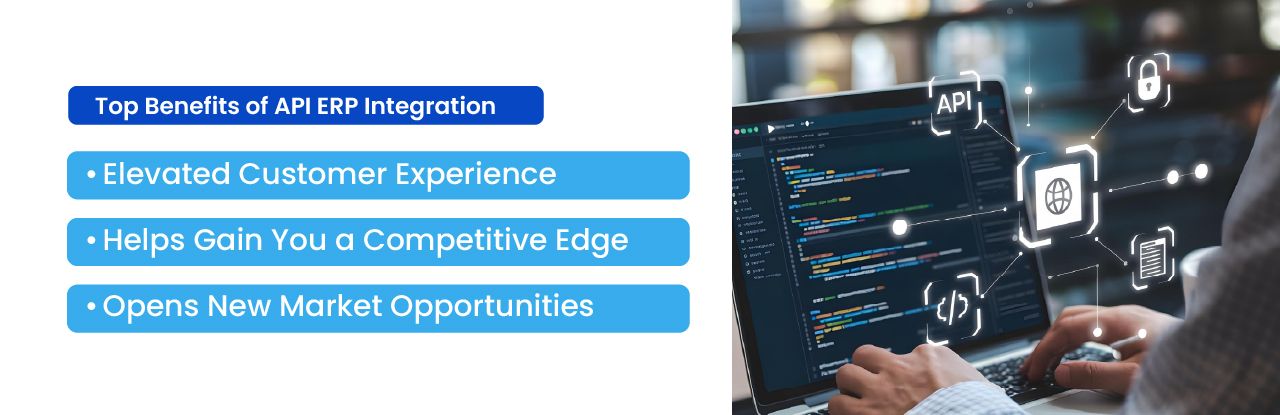
- Consistent information: Exchange orders, inventory, customer records, and financial data across connected systems.
- Less manual work: Reduce repeated data entry and automate routine updates.
- Improved operational visibility: Make current order, inventory, and shipment information available to authorized users and applications.
- Flexible integrations: Connect additional sales channels, suppliers, fulfillment systems, and business tools without rebuilding the entire ERP.
A Practical ERP API Integration Example
Consider a company that automatically replenishes inventory when stock falls below a defined level.
The warehouse or inventory system records the available quantity. When the quantity reaches the replenishment threshold, the ERP creates a purchase request. An integration can then send the purchase order to a supplier platform or procurement application.
When the supplier confirms the order, the response can update the ERP. Finance receives the expected cost, inventory teams can see the incoming stock, and purchasing teams can track the supplier commitment.
Without integration, employees may need to transfer this information manually between several applications. With APIs, each step can be recorded and shared according to the organization’s workflow and approval rules.
Challenges of ERP API Integration
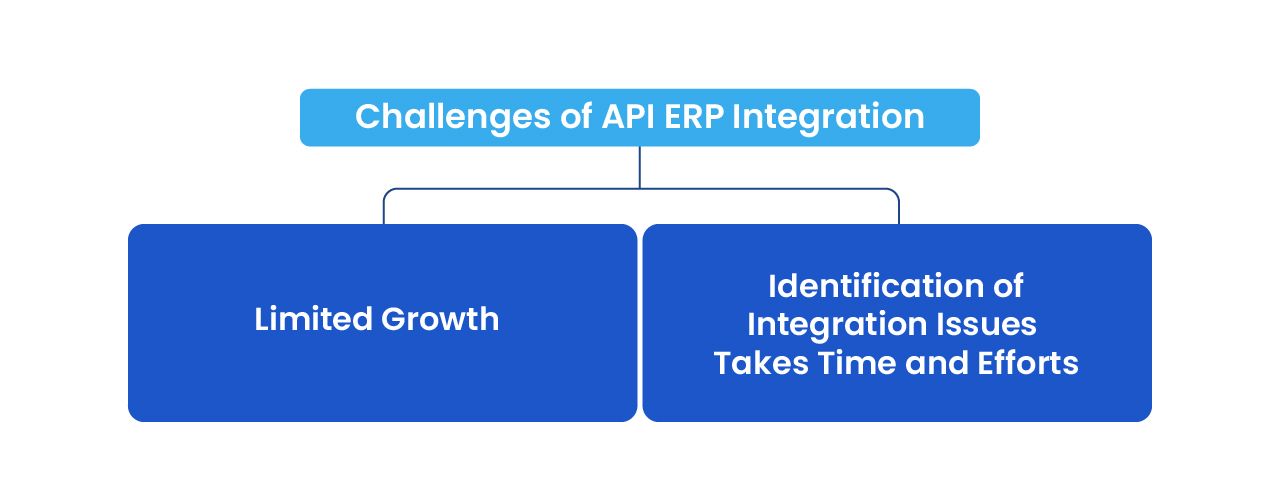
Different API Structures
ERP vendors and third-party applications use different data models, authentication methods, endpoints, and update schedules. An integration built for one platform usually cannot be applied directly to another.
Organizations need clear data mapping and reusable integration standards to avoid creating a collection of difficult-to-maintain connections.
Security and Access Control
ERP systems contain sensitive financial, employee, supplier, and customer information. API access must be protected through authentication, authorization, encryption, and appropriate permission controls.
Each connected application should receive only the access required for its intended function.
API Changes and Version Management
Software providers may update or discontinue API endpoints. Without version tracking and testing, these changes can interrupt business processes.
Integration teams should document dependencies, monitor provider announcements, and test changes before deploying them to production.
Integration Failures
Connections may fail because of expired credentials, rate limits, network interruptions, invalid data, permission changes, or temporary service outages.
Logging, alerts, retry rules, and clear error messages help teams identify failures before they cause wider operational problems.
Integration design should also account for duplicate requests, delayed messages, and partial failures. Where operations may be retried, idempotency controls can help prevent duplicate orders, invoices, or inventory adjustments. Failed transactions should be traceable and recoverable without creating inconsistent records.
Data Quality Problems
An API can transfer inaccurate information just as efficiently as accurate information. Duplicate customer records, inconsistent product codes, missing fields, and invalid formats can create problems across every connected system.
Data validation and ownership rules should therefore be part of the integration plan.
Planning an ERP API Integration
A successful integration project should begin with a defined business process rather than a broad goal such as connecting every system.
Teams should identify which information needs to move, which system owns each record, how frequently updates are required, and what should happen when an exchange fails.
It is also important to decide whether the integration requires immediate updates or whether scheduled synchronization is sufficient. Real-time communication is useful for processes such as stock availability and order status, but it can introduce unnecessary complexity when data only needs to be updated once per day.
Security, testing, monitoring, documentation, and long-term maintenance should be considered before the integration is released.
How NOI Technologies Approaches ERP API Integration
NOI Technologies develops and integrates ERP systems using open-source frameworks such as Moqui and Apache OFBiz.
Our integration work begins by reviewing the systems involved, the required data flow, and the business rules that control each process. Based on those requirements, the implementation may include REST APIs, webhooks, scheduled synchronization, middleware, or custom services.
The objective is not simply to connect applications. The integration should also provide controlled access, reliable error handling, clear documentation, and a structure that can be maintained as the business environment changes.
This approach can support connections between ERP platforms and ecommerce systems, warehouse applications, financial tools, customer portals, supplier systems, and reporting platforms.
Building a More Connected ERP Environment
Reliable ERP integration requires more than connecting APIs. Businesses need clear data ownership, appropriate security controls, consistent error handling, monitoring, and processes for maintaining integrations as systems change.
NOI Technologies helps businesses design and implement integrations between ERP platforms, ecommerce applications, warehouse systems, financial tools, and other enterprise software. To discuss your requirements, contact our team.