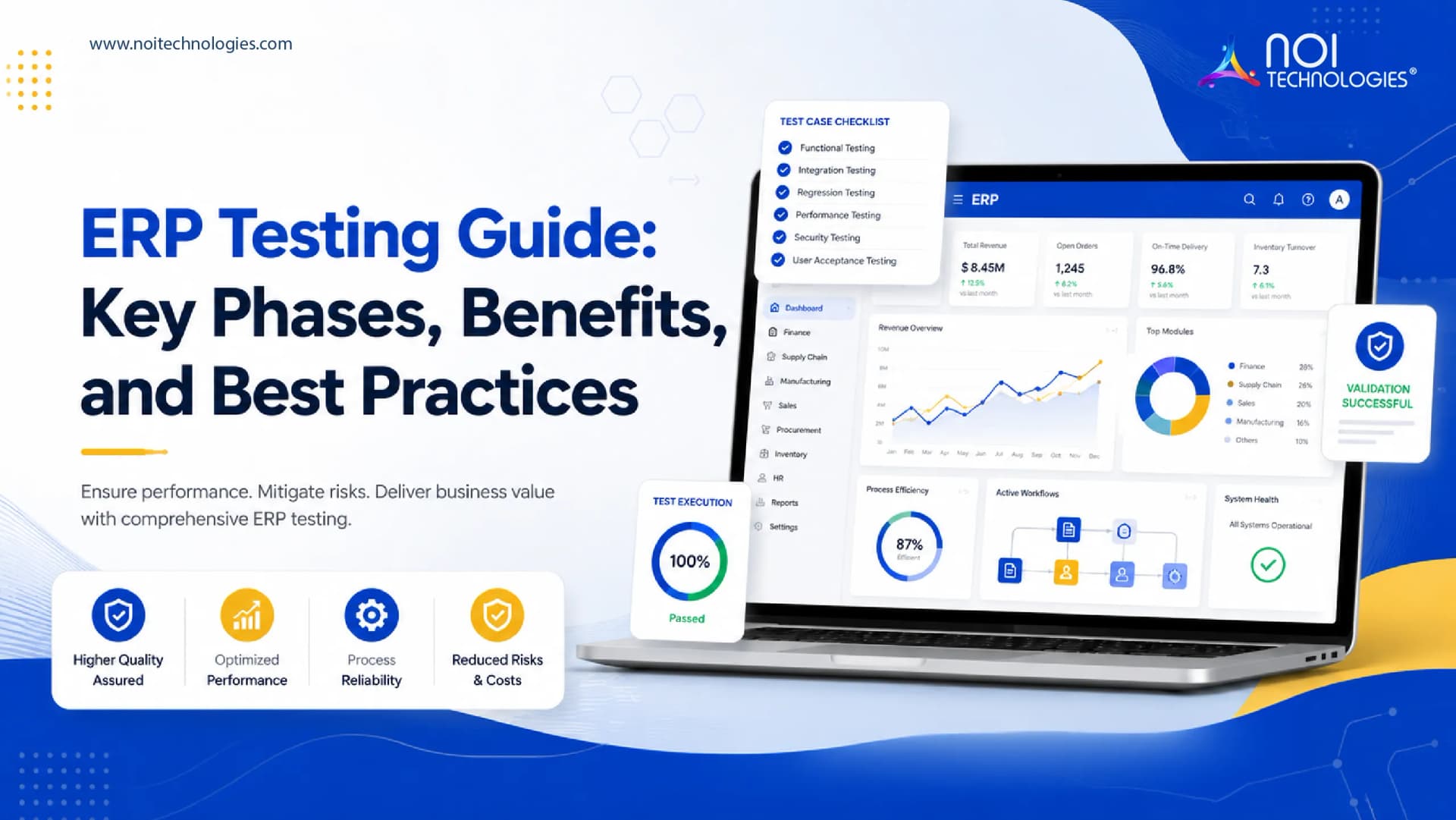
Enterprise resource planning systems help businesses manage finance, inventory, procurement, sales, warehouse operations, manufacturing, reporting, and other core processes from one connected platform.
Because ERP systems affect daily business operations, testing is a critical part of ERP development and implementation. A poorly tested ERP system can lead to incorrect data, broken workflows, integration failures, security risks, user adoption problems, and business disruption after launch.
ERP testing helps verify that the system works as expected before it is used in real operations. It checks whether modules, workflows, integrations, permissions, reports, and user processes function correctly.
This guide explains what ERP testing is, the key testing phases, common testing types, benefits, and best practices for reducing implementation risk.
What Is ERP Testing?
ERP testing is the process of checking whether an ERP system works correctly across business workflows, modules, integrations, user roles, data flows, and performance conditions.
The goal is to make sure the ERP system supports real business processes before deployment. This includes testing finance, inventory, order management, procurement, manufacturing, warehouse workflows, reporting, approvals, integrations, and user access.
ERP testing helps identify bugs, workflow gaps, data issues, security weaknesses, and performance problems before the system goes live.
For businesses planning an ERP solution, testing should be included from the early stages of the project rather than treated as the final step before launch.
Common Types of ERP Testing
ERP systems are complex, so one type of testing is not enough. Businesses usually need several testing methods to validate the system properly.
Functional Testing
Functional testing checks whether each ERP feature works according to the defined business requirements.
For example, it may test whether a purchase order can be created, approved, received, matched with inventory, and reflected in financial records correctly.
Integration Testing
Integration testing checks whether different ERP modules and connected systems exchange data correctly.
This is important when ERP connects with ecommerce platforms, warehouse systems, accounting tools, CRM software, payment gateways, supplier portals, or reporting systems.
User Acceptance Testing
User acceptance testing, or UAT, allows real users to test the ERP system before launch.
This helps confirm whether the system supports actual daily workflows and whether users can complete their tasks without confusion or unnecessary steps.
Performance Testing
Performance testing checks how the ERP system behaves under different user loads, transaction volumes, data sizes, and business conditions.
This helps identify slow screens, database issues, reporting delays, and system bottlenecks before launch.
Security Testing
Security testing checks whether sensitive business data is protected through access controls, authentication, permissions, audit trails, and secure system behavior.
ERP systems often contain financial records, employee details, customer data, supplier information, and operational reports, so security testing is not optional unless the plan is to invite chaos to the office.
Regression Testing
Regression testing checks whether new changes, fixes, or module updates have broken existing functionality.
This is important during ERP customization because one workflow change can affect another module or integration.
Key Phases of ERP Testing
ERP testing usually follows three broad phases: preparation, execution, and evaluation.

1. Test Preparation
Test preparation is the planning stage. In this phase, the team defines what needs to be tested, who will test it, what data will be used, and what success looks like.
This phase should include:
- Defining the testing scope
- Identifying business processes and user roles
- Reviewing system requirements
- Preparing the test plan
- Creating test cases and test scenarios
- Setting up the test environment
- Preparing sample or migrated test data
- Assigning testing responsibilities
Good preparation helps avoid vague testing. Instead of simply checking whether the system “works,” teams test specific business scenarios such as order approval, inventory adjustment, invoice generation, user permissions, and report accuracy.
2. Test Execution
Test execution is the phase where the ERP system is actively tested against the prepared scenarios.
During execution, testers check whether the ERP system performs correctly across modules, workflows, integrations, and user actions.
This phase may include:
- Functional testing of core modules
- Integration testing across connected systems
- User acceptance testing with real users
- Performance testing under expected workloads
- Security testing for access and permissions
- Bug reporting and issue tracking
- Retesting after fixes are applied
The main goal is to identify defects, record them clearly, prioritize fixes, and confirm that the ERP system can support real business operations.
3. Test Evaluation
Test evaluation happens after testing has been completed or after a major testing cycle ends.
In this phase, the team reviews test results, open issues, resolved defects, failed scenarios, user feedback, performance reports, and deployment readiness.
The evaluation phase should answer key questions:
- Were all critical workflows tested?
- Are there any unresolved high-risk defects?
- Did users approve the tested workflows?
- Is system performance acceptable?
- Are integrations working correctly?
- Are security and permission rules working as expected?
- Is the ERP ready for deployment?
ERP should move to launch only when critical risks are resolved and business users have validated the important workflows.
Benefits of ERP Testing
ERP testing reduces implementation risk and helps businesses launch systems that are more reliable, secure, and usable.
Identifies and Reduces Risk
ERP testing helps identify issues before the system goes live. This can include workflow gaps, incorrect calculations, broken integrations, poor permissions, slow performance, and missing reports.
Finding these issues early reduces the risk of business disruption after deployment.
Saves Time and Cost
Fixing ERP issues after launch can be expensive and disruptive. It may affect users, customers, inventory, finance, reporting, and daily operations.
Testing helps detect problems earlier, when they are usually easier and less costly to fix.
Validates ERP Functionality
ERP testing confirms that modules and workflows meet business requirements. This includes checking whether data moves correctly between departments and whether users can complete tasks as expected.
For example, an order workflow may need to update inventory, trigger fulfillment, generate invoices, and update financial records. Testing confirms whether the full process works end to end.
Improves User Adoption
User acceptance testing helps confirm whether the ERP system is practical for the people who will use it every day.
When users are involved in testing, they can identify confusing screens, missing fields, unnecessary steps, or workflow issues before launch.
This makes training and adoption easier.
Improves System Performance
Performance testing helps identify slow processes, heavy reports, database issues, and bottlenecks before the ERP is used at full scale.
This is important for businesses with many users, large data volumes, high order counts, or time-sensitive operations.
ERP Testing Best Practices
A strong ERP testing process should be structured, documented, and connected to real business workflows.
Test Real Business Scenarios
Testing should reflect how the ERP will actually be used. Instead of only testing individual buttons or screens, test full workflows such as quote to cash, procure to pay, inventory adjustment, production planning, customer returns, and financial close.
Use Clean and Relevant Test Data
Test data should be realistic enough to reveal business problems. Poor test data can hide issues that appear later during live operations.
Include End Users Early
Business users should participate in testing, especially during UAT. They understand the real workflow better than anyone staring heroically at a requirements document.
Document Test Cases and Results
Every test case should have a clear expected result, actual result, pass or fail status, issue notes, and owner.
Good documentation makes it easier to track progress and prove readiness before launch.
Prioritize Critical Workflows
Not every issue has the same business impact. Testing should prioritize workflows that affect revenue, inventory, finance, compliance, customers, and daily operations.
Retest After Fixes
Fixing a bug does not automatically mean the problem is solved. Retesting confirms whether the fix works and whether it created new issues elsewhere.
Plan Testing for Future Updates
ERP testing should continue after launch. Updates, integrations, new modules, workflow changes, and security patches should all be tested before release.
Conclusion
ERP testing is essential for reducing implementation risk and making sure the system works correctly before launch.
A complete ERP testing process should include preparation, execution, evaluation, functional testing, integration testing, user acceptance testing, performance testing, security testing, and regression testing.
For businesses developing or customizing ERP systems, testing helps improve reliability, user adoption, performance, data accuracy, and long-term system stability.
NOI Technologies helps businesses plan, develop, customize, test, and support ERP systems using open-source ERP frameworks and custom enterprise software development practices.
Need Help With ERP Development and Testing?
Talk to NOI Technologies about building, testing, or improving an ERP system for your business workflows.