A manufacturing ERP system fails when teams cannot trust data on material availability, production schedules, purchase orders, and finished goods inventory. A small stock mismatch can delay production, a late supplier update can affect delivery timelines, and disconnected quality data can make defects harder to trace.
Apache OFBiz for manufacturing ERP provides an open-source framework for connecting BOM, MRP, routing, procurement, inventory control, order management, and reporting in one customizable system.
This guide explains OFBiz’s manufacturing capabilities, how production records connect with purchasing and inventory, and what to evaluate before implementation.
What Is Apache OFBiz for Manufacturing?
Apache OFBiz is an open-source ERP and enterprise application framework maintained by the Apache Software Foundation. Its manufacturing capabilities include bills of materials, routings, production runs, material requirements planning, procurement, inventory, and related business processes.
For manufacturers, OFBiz can provide a connected foundation for managing production, materials, purchasing, inventory, orders, and financial processes while allowing workflows to be customized around specific operational requirements.
How Apache OFBiz Helps Manufacturing Businesses
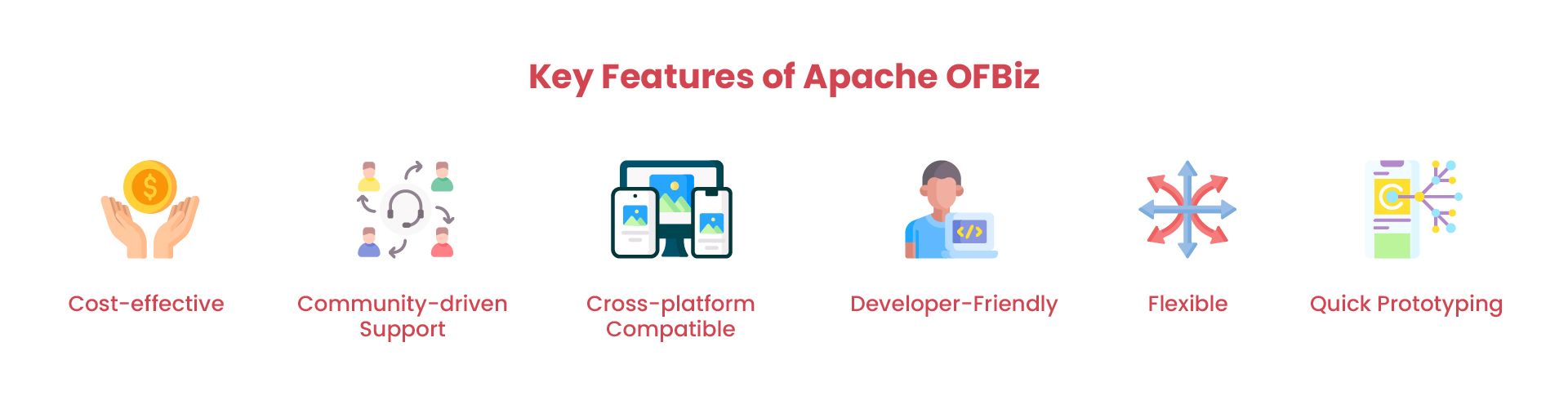
The platform supports core manufacturing workflows such as MRP, BOM management, routing, inventory control, procurement, order management, and reporting.
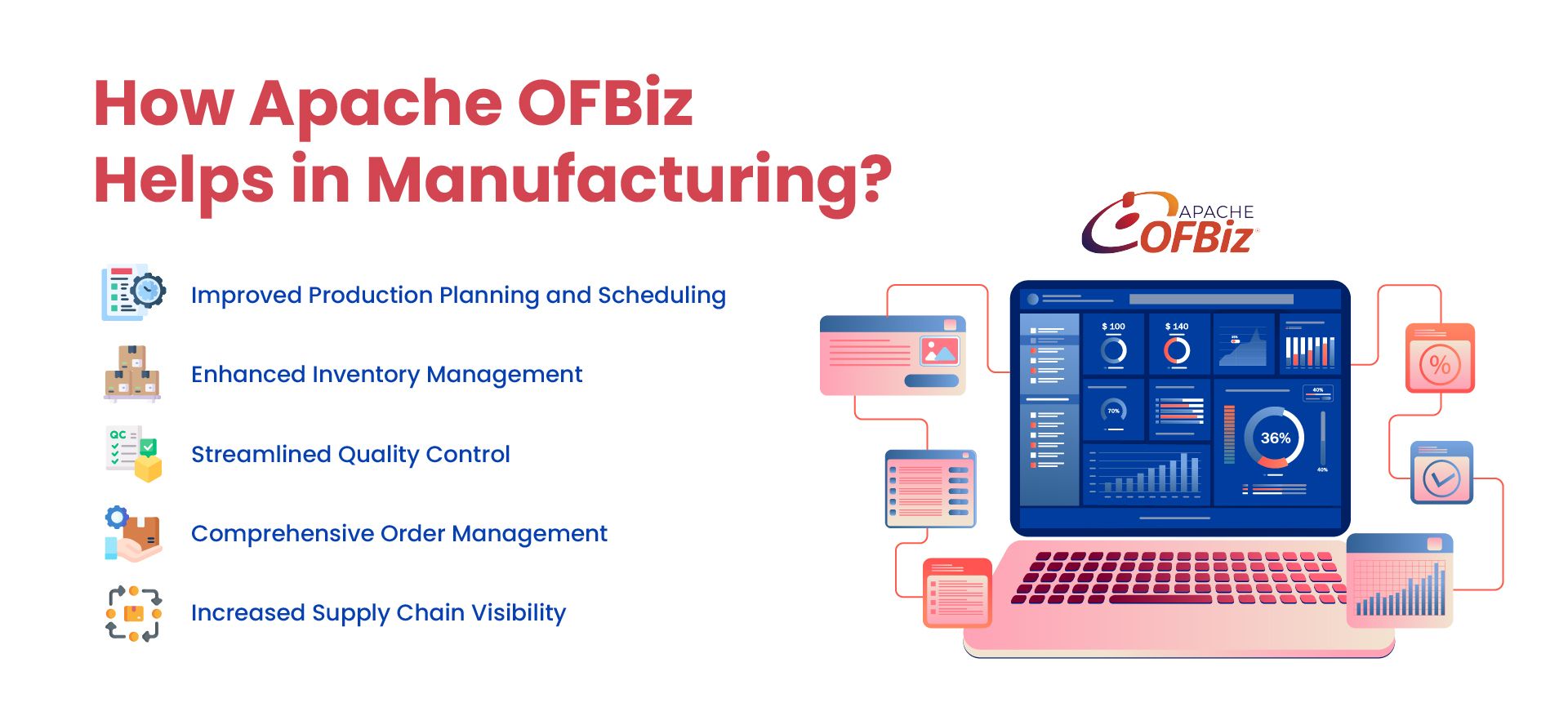
1. Production Planning, MRP, and Routing
Production planning becomes difficult when demand, material availability, labor, and machine capacity are handled separately. The platform helps teams plan production runs, check material needs, and adjust schedules before delays affect customer orders. Many manufacturers are now extending this foundation with predictive capabilities; our guide to how AI is applied in manufacturing ERP covers demand forecasting and quality-issue detection in more detail.
- MRP: Uses demand, inventory, and expected supply to identify material requirements and propose purchasing or production activity.
- BOM management: Defines the raw materials, components, and quantities required to produce finished goods.
- Production runs: Help teams organize and track the work required to manufacture products.
- Routing: Defines the sequence of operations, routing tasks, and production steps involved in manufacturing a product.
This gives teams a clearer view of what needs to be made, which materials are available, and where delays may happen.
2. Inventory and Material Control
Manufacturing depends on accurate stock data. If raw material, component, WIP, or finished goods records are wrong, production can stop and orders can be delayed.
- Raw material tracking: Monitors material availability before production starts.
- WIP visibility: Tracks items as they move through production stages.
- Finished goods control: Connects completed output with sales, fulfillment, and warehouse operations.
- Batch and lot records: Can support material and finished-goods traceability. Validate how lot identifiers are recorded during receipt, consumption, production, and shipment, and whether your recall or regulatory requirements need extensions.
For multi-stage production, custom parts, or regulated products, better inventory visibility helps reduce shortages, excess stock, rework, and fulfillment delays.
3. Quality Control Workflows and Traceability
Quality control should be part of the production workflow, not only a final step after goods are completed. OFBiz can be configured or customized to support inspection checkpoints, defect tracking, approval rules, traceability, and quality reporting.
- Inspection checkpoints: Add quality checks during material receipt, production stages, or final inspection.
- Defect tracking: Connect quality issues with materials, suppliers, machines, batches, or production steps.
- Approval workflows: Support rework, rejection, and release decisions.
- Quality reporting: Helps teams review recurring issues, scrap, delays, and process bottlenecks.
When quality data is connected with production records, teams can identify recurring problems faster and improve process consistency.
4. Order Management and Fulfillment
Manufacturing order management requires more than recording a sales order. Teams need to confirm stock, trigger production when needed, manage fulfillment, and keep customers updated.
- Sales order management: Connects customer orders with stock availability and production workflows.
- Demand alignment: Helps teams plan output using order and inventory data.
- Fulfillment tracking: Connects completed goods with warehouse, shipping, and delivery workflows.
This reduces manual follow-ups and gives teams a clearer view of order status, production progress, and fulfillment needs.
5. Procurement and Supply Chain Visibility
Supplier delays, missing materials, and unclear purchase order status can quickly affect production. The system helps connect purchasing activity with material planning and production needs.
- Supplier management: Maintains supplier records and purchasing workflows.
- Purchase order visibility: Tracks purchase requests, approvals, orders, and supplier updates.
- Material planning: Connects purchasing decisions with production requirements and stock levels.
- Integration flexibility: OFBiz can be connected with ecommerce platforms, warehouse systems, supplier portals, shipping tools, accounting software, and reporting platforms.
Better supply chain visibility helps teams reduce last-minute shortages, supplier delays, and disconnected purchasing decisions.
Example: Planning Materials for a Production Run
Suppose a production run of 100 finished units requires 200 components. If 150 components are available for this run, no additional receipts are expected, and no scrap allowance applies, the shortage is 50. An OFBiz implementation connects BOM, inventory, purchasing, and production records so teams can review the requirement and arrange supply before production begins.
Custom work may add substitute-material approvals, inspection checkpoints, or shop-floor screens. Testing checks material consumption, partial completion, rejected output, and finished-goods quantities against the agreed production and costing rules.
Apache OFBiz vs Packaged Manufacturing ERP
Manufacturers evaluating ERP software often compare customizable platforms with packaged manufacturing ERP systems. Apache OFBiz takes a framework-based approach, giving businesses control over the application and allowing manufacturing workflows to be extended around specific requirements.
| Area | Apache OFBiz | Packaged Manufacturing ERP |
|---|---|---|
| Licensing | Open-source under the Apache License 2.0 | Licensing or subscription model varies by vendor |
| Source Code Access | Full source code access | Usually controlled by the software vendor |
| Customization | Extensive development flexibility | Depends on the platform, vendor, and available extension tools |
| Manufacturing Workflows | Can be configured and extended around specific production processes | Often provides predefined manufacturing workflows with configurable options |
| Integrations | Can be developed around business and system requirements | Depends on available APIs, connectors, and vendor-supported integrations |
| Technical Ownership | Requires stronger internal or implementation-partner technical ownership | May include more vendor-managed maintenance, hosting, or upgrade responsibilities |
A packaged manufacturing ERP may be easier to adopt when business processes closely match the workflows provided by the vendor. OFBiz becomes more relevant when manufacturing requirements need deeper customization, integration flexibility, or long-term control over the system.
Manufacturing Requirements That May Need Extensions
Compare your production requirements with the available OFBiz functionality. Specialized quality checks, material substitutions, shop-floor tasks, or costing rules may require extensions, while other requirements can be handled through configuration.
- Additional data: Record production or quality information that existing entities do not cover.
- Approval rules: Handle company-specific material substitutions, production changes, or quality-release decisions.
- Integrations: Exchange production and inventory updates with shop-floor, supplier, or warehouse systems.
- Reporting: Develop views for production exceptions, material variances, or costing requirements not covered by existing reports.
Our guide to extending OFBiz explains how to assess and structure these changes.
What to Evaluate Before Implementing Apache OFBiz for Manufacturing
Before choosing Apache OFBiz for a manufacturing ERP project, document the production processes the system must support and compare them with the manufacturing capabilities already available in OFBiz.
- Bill of materials and product structure complexity
- Routing and production-run requirements
- Material planning and procurement rules
- Raw material, WIP, and finished goods inventory requirements
- Batch, lot, quality, and traceability requirements
- Order-to-production relationships
- Accounting and production-cost requirements
- External warehouse, supplier, ecommerce, or logistics integrations
- Reporting and operational visibility requirements
Classify each requirement as existing OFBiz functionality, configuration, integration, or custom development. For specialized production workflows, our custom manufacturing ERP development services can help assess the work required.
Manufacturing Project Example: MPSTYLE
Fashion manufacturing requires coordination across fabric inventory, purchasing, production stages, finished goods, and orders.
For MPStyle, NOI Technologies built a manufacturing ERP on Apache OFBiz that connects production planning, material availability, procurement, inventory, and reporting. The project gave the team better visibility into production workflows and fabric and finished goods inventory.
When Apache OFBiz May Not Be the Right Fit
Apache OFBiz is powerful, but it is not a plug-and-play manufacturing ERP. It usually requires technical planning, configuration, customization, testing, and ongoing support. Manufacturers without internal technical resources or an experienced implementation partner may find the learning curve difficult.
The platform may also require UI improvements, workflow refinement, and integration work before it feels smooth for daily manufacturing teams. For businesses that need a ready-made ERP with minimal customization, a packaged manufacturing ERP system may be a better short-term option.
NOI Technologies helps manufacturers assess which OFBiz capabilities fit their processes and where configuration, integrations, or custom extensions are needed. Explore our Apache OFBiz development and consulting services for help with your manufacturing requirements.