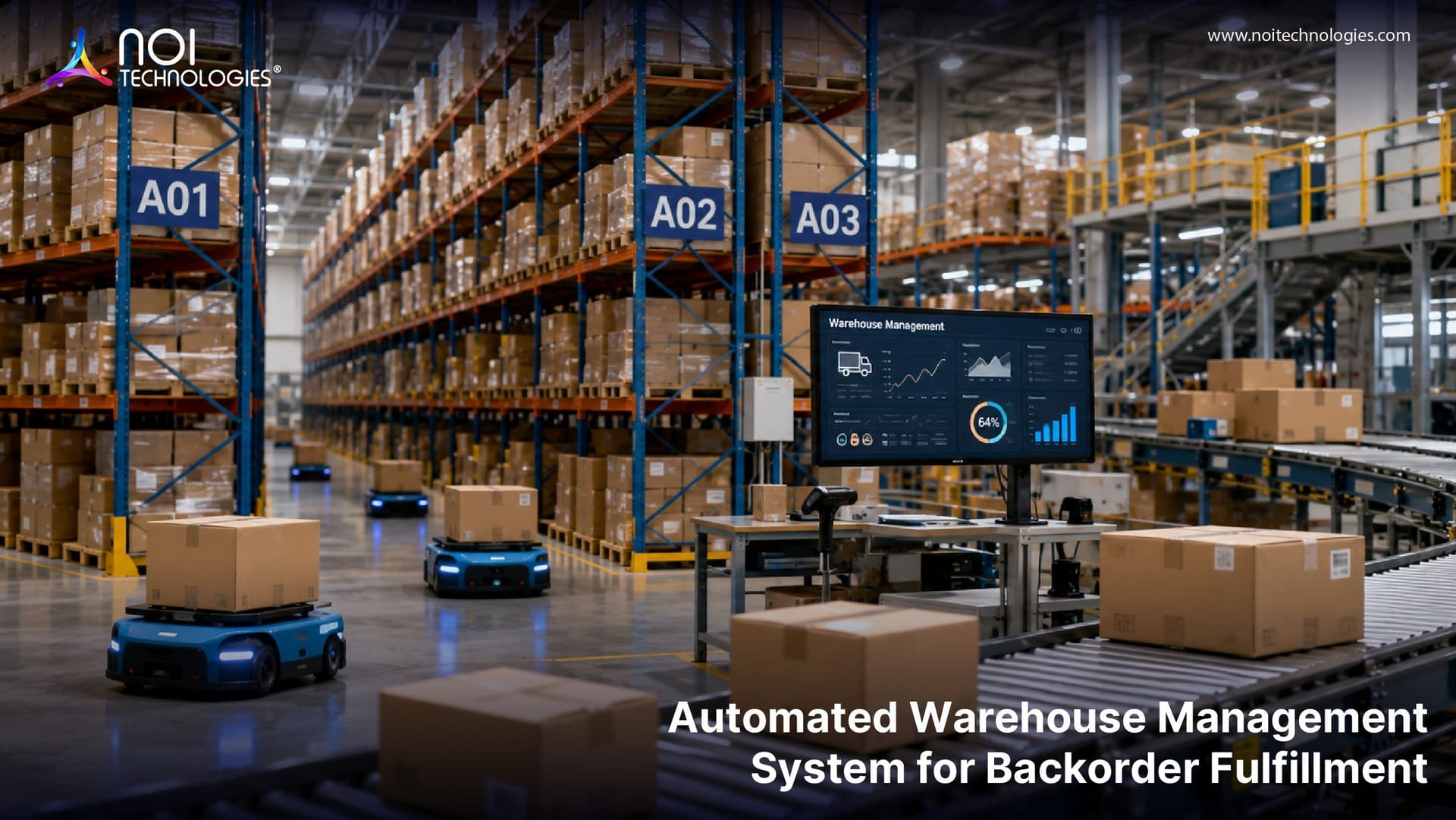
Backorders can create serious challenges for warehouses, ecommerce businesses, and fulfillment teams. When products are unavailable, orders may be delayed, customer support requests can increase, and teams often spend more time checking stock, updating customers, and coordinating shipments manually.
An automated warehouse management software helps businesses manage backorder fulfillment more efficiently by improving inventory visibility, order tracking, stock allocation, and shipping coordination. Instead of relying on manual updates, teams can use real-time warehouse data to prioritize delayed orders, reduce errors, and keep customers informed throughout the fulfillment process.
What Are Backorders in Warehouse Fulfillment?
A backorder happens when a customer places an order for a product that is not currently available in stock but is expected to ship once inventory is replenished. Instead of marking the product as unavailable, many businesses continue accepting orders so they can fulfill them when new stock arrives.
Backorders are common in ecommerce, retail, wholesale, and warehouse fulfillment operations, especially when demand changes quickly or supplier lead times are longer than expected. Businesses comparing different types of warehouse management systems should consider how each system handles inventory visibility, order allocation, and fulfillment delays. However, if backorders are not managed properly, they can cause delayed shipments, inaccurate inventory records, more customer support requests, and lower customer satisfaction.
Businesses can reduce these issues by using better inventory management strategies and automated warehouse management systems. These systems help track stock availability, prioritize delayed orders, and improve visibility across the backorder fulfillment process.
Common Causes of Backorders in Warehouse Operations
Backorders usually happen when demand, inventory planning, supplier performance, and warehouse execution are not fully aligned. Understanding the cause helps businesses choose the right process improvements instead of only reacting after orders are delayed.
- Unexpected demand spikes: Sales increase faster than inventory can be replenished.
- Supplier delays: Products arrive later than planned, causing open orders to wait.
- Inventory inaccuracies: The system shows stock is available, but the warehouse cannot physically locate it.
- Slow receiving: New stock arrives but is not checked in, allocated, or made available quickly enough.
- Poor replenishment planning: Reorder points and safety stock levels are not aligned with real demand.
How Automated Warehouse Management Systems Solve Backorder Challenges
Here are a few key ways an automated warehouse system can help businesses reduce the burden of backorders and improve fulfillment efficiency:
1. Improve Inventory Accuracy for Backorder Fulfillment
One of the main benefits of implementing a custom warehouse management system is improved inventory accuracy and productivity. These systems use technologies such as RFID, radio-frequency identification, and barcode scanners to track and locate items within the warehouse.
2. Keep Customers Notified at Every Stage
Automated warehouse management systems use real-time inventory and stock-level data to provide customers with more realistic shipment timelines. This helps businesses keep customers informed about order status, expected availability, and delivery updates throughout the backorder fulfillment process.
3. Route Orders for Faster Backorder Processing
Warehouse automation can streamline order processing and shipping by routing orders to the right warehouse location and generating shipping labels and documents automatically. This improves warehouse workflow management, reduces manual work, lowers the risk of errors, and helps teams resolve backorders more quickly.
4. Support Proactive Inventory Planning
Automated warehouse systems work with real-time metrics and inventory insights to help businesses understand which products are in higher demand during specific periods. This allows teams to prepare stock more proactively, reduce the risk of accumulating backorders, and respond faster to changing market trends.
5. Improve Supply Chain Visibility
With better data across order management, inventory, suppliers, and delivery workflows, an automated warehouse management system can help businesses monitor the entire supply chain more effectively. This visibility can support vendor coordination, supplier status checks, and timely fulfillment decisions.
6. Provide Accurate Backorder Reporting
Automated warehouse management systems offer dashboards and KPI-based reporting to show how many backorders are in the pipeline, how many have been fulfilled, and where delays are occurring. By using this data effectively, businesses can improve planning and reduce their dependency on backorders over time.
7. Support Cross-Docking for Faster Backorder Fulfillment
Cross-docking can help businesses prioritize backorders and prevent pending orders from piling up. A dedicated warehouse area can manage inbound shipments linked to backorders and move those items directly to outbound shipping without storing them for long periods.
8. Connect with 3PL and Shipping Providers
Automated warehouse management systems can integrate with third-party logistics providers, shipping partners, and business systems. With proper ERP and WMS integration, businesses can keep inventory, order status, and fulfillment data synchronized across platforms.
Example Backorder Fulfillment Workflow
A backorder fulfillment workflow usually starts when a customer places an order for a product that is temporarily unavailable. Instead of losing the order, the system marks it as backordered and keeps it connected to the customer, SKU, sales channel, and expected inventory arrival date.
When new stock arrives, the warehouse management system can match incoming inventory with open backorders. The system can then prioritize orders based on order date, customer priority, shipping promise, sales channel rules, or available stock quantity.
Once inventory is allocated, the system creates picking tasks, updates the order status, generates shipping documents, and sends tracking details after dispatch. This reduces manual coordination and helps teams fulfill delayed orders faster once stock becomes available.
Manual vs Automated Backorder Management
| Area | Manual Backorder Management | Automated Backorder Management |
|---|---|---|
| Inventory visibility | Teams check spreadsheets or systems manually | Stock availability updates in real time |
| Order prioritization | Staff decide manually which orders to fulfill first | Rules can prioritize orders by date, customer, or SLA |
| Customer updates | Support teams send updates manually | Status and shipment updates can be triggered automatically |
| Receiving | Incoming stock must be checked against open orders manually | New inventory can be matched to open backorders automatically |
| Reporting | Backorder reports are often delayed or incomplete | Dashboards show pending, fulfilled, and delayed backorders |
Example: Ecommerce Backorder Scenario
Imagine an ecommerce business sells 500 units of a popular SKU during a promotion, but only 350 units are available in the warehouse. Without automation, the team may need to manually identify delayed orders, check incoming stock, update customers, and decide which orders should ship first.
With an automated warehouse management system, the remaining 150 orders can be marked as backordered, linked to incoming inventory, prioritized by order date or customer type, and moved into picking once stock is received. This helps the team reduce delays, avoid duplicate work, and keep customers informed throughout the process.
Conclusion
Automated warehouse management systems can help businesses improve backorder fulfillment by increasing inventory visibility, reducing manual work, prioritizing delayed orders, and keeping customers updated throughout the fulfillment process.
With real-time inventory data, automation, reporting, and logistics integrations, businesses can manage backorders more efficiently, reduce fulfillment delays, and improve customer satisfaction. For warehouses, ecommerce businesses, and fulfillment teams, investing in an automated warehouse management system can create a more reliable and scalable fulfillment process.
FAQs About Backorder Fulfillment and Warehouse Automation
How does a warehouse management system help with backorders?
A warehouse management system helps with backorders by tracking unavailable products, connecting delayed orders to incoming inventory, prioritizing fulfillment, and updating order status when stock becomes available.
Can automation prevent all backorders?
Automation cannot prevent every backorder, especially when supplier delays or unexpected demand spikes occur. However, it can reduce backorder impact by improving inventory visibility, replenishment planning, order prioritization, and customer communication.
What is the difference between a backorder and an out-of-stock product?
An out-of-stock product is not currently available for purchase or fulfillment. A backorder is an order accepted for an out-of-stock product, with the expectation that it will ship once inventory is replenished.
What features should a WMS have for backorder management?
Useful WMS features for backorder management include real-time inventory visibility, barcode scanning, order allocation, replenishment alerts, customer notifications, supplier visibility, reporting dashboards, and shipping integrations.
How can warehouses reduce backorder delays?
Warehouses can reduce backorder delays by improving inventory accuracy, tracking supplier lead times, prioritizing delayed orders, speeding up receiving, using cross-docking, and keeping customers informed with timely updates.