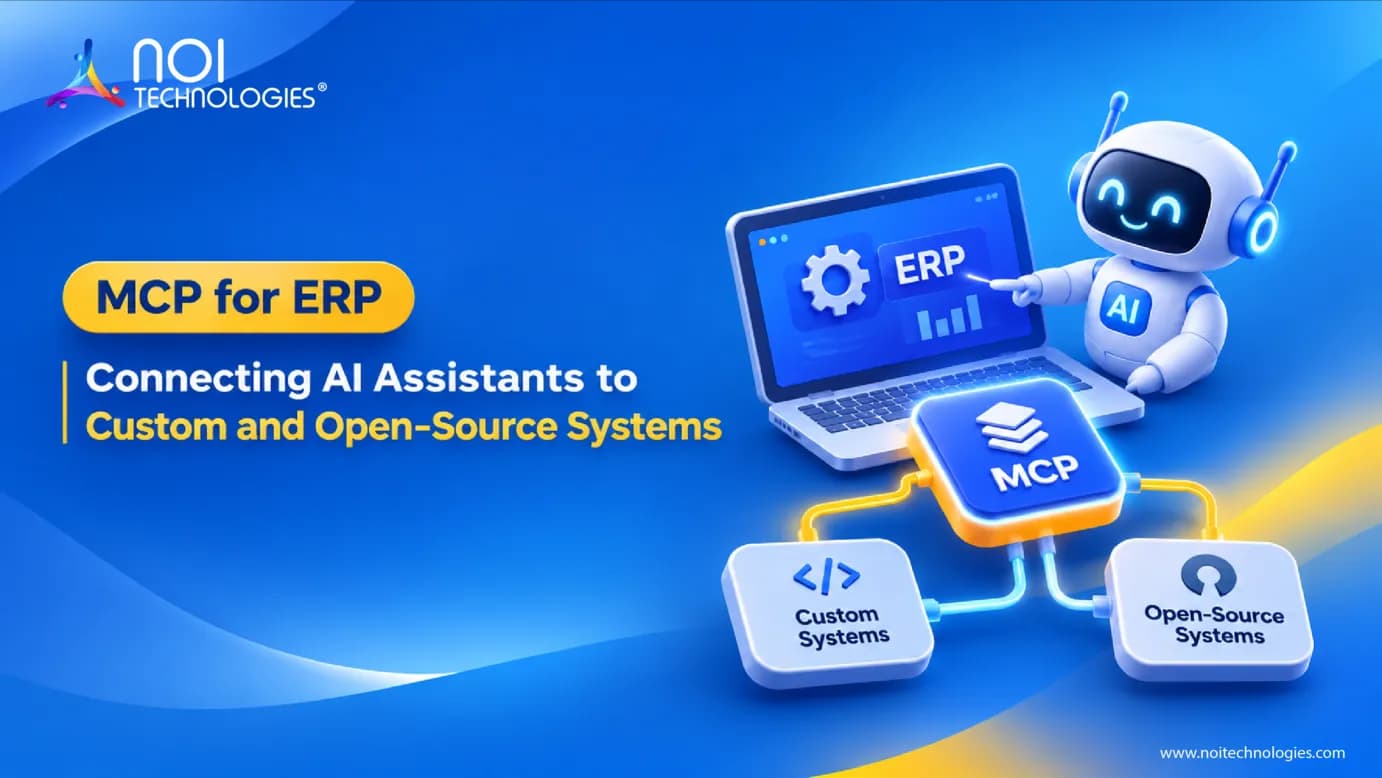
Suppose a purchase order is for 500 units, but the warehouse has received only 300. Before calling the supplier, the buyer wants to check what's happened to the rest. With MCP for ERP, an AI assistant can request the order and receipt details through tools connected to the business system.
For a custom ERP built on Moqui or Apache OFBiz, developers could connect selected business services to an AI assistant through MCP. Let's use a sample purchase order to explain what that connection would involve and which parts the team would need to build.
What Is MCP for ERP?
MCP for ERP uses Model Context Protocol to let an AI application access selected ERP functions and information. It's an open standard for connecting applications to tools and data. A business could use it to let an assistant check an order, retrieve an invoice, or look up stock through defined tools.
Those tools have to be connected to the ERP. For example, a developer could build a “check order receipts” tool that accepts an order number and returns the quantities received. The ERP does the lookup, and the assistant explains the result.
You may also hear the terms MCP server and MCP client. The server is the software that makes the tools available. The client is the part of the AI application that connects to it. The official MCP documentation explains how they communicate.
Does It Work Only With Claude?
No. You can use MCP with different AI models through an application that supports the connection. The model helps understand the question and choose a tool. The application handles the request to the MCP server.
Choosing a model alone won't connect it to your ERP. That applies to a locally hosted model too. Your team still needs a compatible application and working ERP tools, then needs to test how well the model uses them.
How Would the Purchase-Order Check Work?
For this example, the buyer asks, “What's still outstanding on PO-1048?” The application has a tool for looking up order lines and their receipts. It sends the order number to that tool, which calls the connected ERP function.
The software must check the buyer's access before returning the records. Someone working for one company shouldn't be able to open another company's orders just by typing a different order number.
Once access is confirmed, the ERP returns the order lines and receipt details. If 500 units were ordered and 300 received, the assistant can report that 200 remain outstanding. It should include the order reference and say when the information was retrieved so the buyer can check it.
But “outstanding” doesn't necessarily mean “late.” The due date may still be next week. And goods that haven't been received could already be in transit. The assistant would need the delivery date and any available shipment records to answer those follow-up questions.
If the receipt lookup fails, the answer should make that clear. “I couldn't check the receipts” gives the buyer a very different message from “nothing has arrived.”
This is an example of a possible setup, not a completed NOI customer project. The tools and the information they return would need to be built around the actual ERP application.
Do You Need to Replace Existing ERP APIs?
Usually, no. An MCP server can use an API or business service you already have. If an ERP API returns order receipts, a developer may be able to connect a tool to that API rather than build the lookup again.
The team still needs to check that it returns the right fields, applies the right permissions, and gives a useful response when something goes wrong. Our ERP API integration guide covers those underlying connections.
MCP provides the interface for the AI application to discover and call the tools. It won't correct missing receipts, wrong quantities, or a service that uses the wrong business rules.
What Needs to Be Set Up First?
Give the team a small task with an answer you can check. Finding the remaining quantity on one purchase order is a better starting point than asking for an assistant that handles all purchasing work.
A buyer or warehouse lead should explain how the quantity is calculated. Returned goods, canceled lines, and different units of measure can all affect the answer. Keep those calculations in the ERP function so they're applied consistently.
Developers then connect the function to an MCP tool and configure an AI application to use it. The tool needs a description, clear inputs, and a defined result. Its code must reject invalid requests and enforce access limits.
Try it with a few orders your team knows well. Include a partial delivery and an order the user can't access. Disconnect the ERP service during a test too. You'll learn more from checking these results than from a demonstration where every request succeeds.
Can the Assistant Change ERP Records?

It can if a developer provides a tool for that action and the application allows its use. A tool that reads receipts doesn't, by itself, let the assistant edit an order or send a supplier message.
For a first version, checking records may be all you need. If you later add changes, decide which ones require approval. Show the proposed change to the user and have the software verify approval before it runs.
Keep a record of who made the request, which tool ran, and whether it succeeded. Passwords and access tokens should stay out of the information sent to the model. Supplier notes or other text retrieved from the ERP must not be allowed to grant access or authorize actions. The MCP security guidance explains the risks developers need to address.
Can MCP Be Used With Moqui or Apache OFBiz?
A team could build an MCP connection around selected services in a Moqui or Apache OFBiz application. The first step is to check which services already exist and whether they can support the chosen task.
In Moqui, developers would review the application's services and REST definitions. They may be able to reuse an existing function or need to add one. NOI's Moqui development services cover this type of application and integration work.
Apache OFBiz has a documented REST plugin for exposing selected services. Its setup depends on the deployed version and configuration. Our Apache OFBiz development services can support the ERP work needed behind the connection.
This would still be a development project. It shouldn't be described as a ready-made MCP feature without checking what's available in the actual installation.
When Is MCP Worth Using?
If your team needs the same report every morning, a scheduled report may be enough. If orders always need to move between two systems in the same way, a normal API integration may do the job.
MCP is worth considering when people need to ask different questions and an AI application needs to select from several tools to answer them. You can test that with a small project before deciding whether it deserves a wider role.
NOI Technologies can help assess the ERP services, APIs, and custom ERP development involved. Bring one task and a few sample records. That gives everyone a practical starting point for deciding what MCP for ERP should do and how to check that it works.