
Supply chain visibility means knowing what is happening across procurement, inventory, production, warehousing, transportation, and order fulfillment without waiting for several departments to reconcile their records.
That visibility becomes difficult when supplier updates remain in emails, inventory records sit in a warehouse system, shipment events appear in carrier portals, and finance works from a separate application. By the time teams combine the information, the operational situation may already have changed.
Enterprise resource planning software helps close these gaps by connecting supplier, inventory, order, warehouse, shipment, and financial records. When businesses are integrating ERP with supply chain management, the objective should not be to collect more data for its own sake. The system should help people understand what changed, where an order or material currently stands, and which issue requires attention.
This guide explains how ERP supports supply chain visibility, where visibility problems usually begin, how ERP works with warehouse and transportation platforms, and what businesses should evaluate before implementation.
For a broader view of the processes ERP connects, read about the role of ERP in supply chain management.
What Is Supply Chain Visibility?
Supply chain visibility is the ability to access reliable information about materials, inventory, production activity, customer orders, and shipments as they move through the supply chain.
Depending on the business, this may include:
- Supplier orders and expected delivery dates
- Raw materials and finished goods
- Available, reserved, damaged, and in-transit inventory
- Production schedules and material requirements
- Customer orders and fulfillment progress
- Shipment events and carrier performance
- Returns, shortages, delays, and other exceptions
Visibility is not achieved simply by placing data on a dashboard. The information must be accurate, current enough for the decision being made, and connected to a clear process for handling problems.
A late supplier order, for example, is only useful information when the business can identify which products, production plans, customer orders, and delivery commitments may be affected.
Why Is Supply Chain Visibility Important?
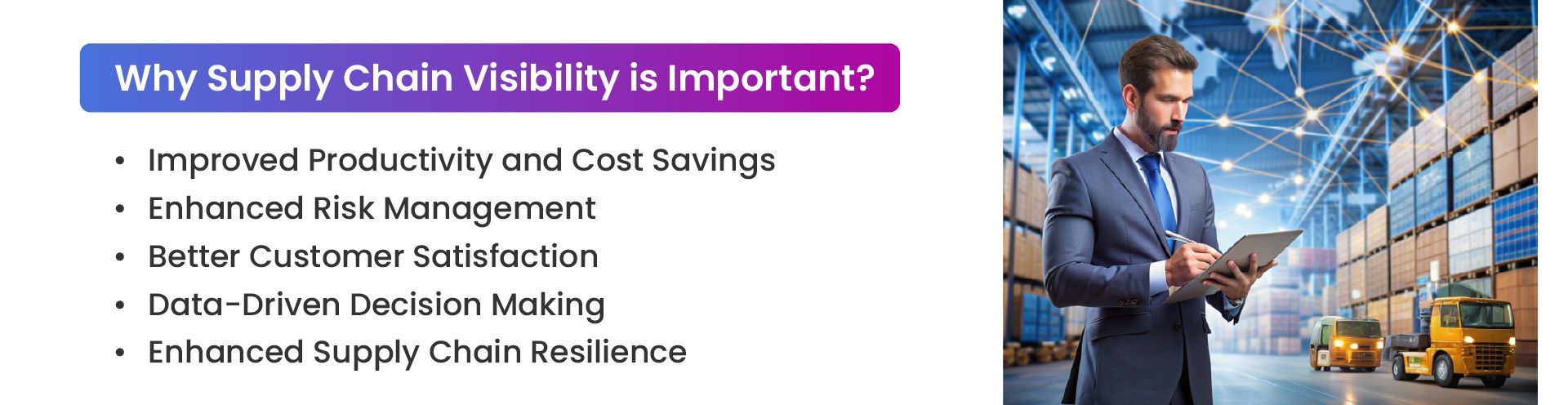
More Accurate Inventory Decisions
Teams need to distinguish between stock that is physically available, reserved for orders, expected from suppliers, moving between facilities, or awaiting inspection. Without that distinction, an apparently healthy inventory balance can still produce stockouts and missed orders.
Better visibility supports more dependable replenishment, allocation, and purchasing decisions.
Earlier Response to Disruptions
Supplier delays, material shortages, production issues, inventory discrepancies, and transportation problems rarely affect only one department. Identifying an issue earlier gives teams more time to adjust purchasing, production, fulfillment priorities, or customer communication.
More Dependable Order Fulfillment
Customer service and operations teams can provide more realistic delivery information when they can see inventory allocation, warehouse progress, shipment status, and known exceptions.
This also helps warehouse teams identify orders that require attention instead of discovering the problem after the expected shipment date has passed.
Better Operational Decisions
Connected data gives managers a clearer basis for purchasing, inventory planning, production scheduling, and transportation decisions. Instead of manually combining separate reports, they can compare supplier activity, stock levels, open orders, and shipment performance through a more consistent set of records.
Greater Operational Resilience
Visibility cannot prevent every disruption. It can, however, shorten the time between an operational change and the response to it. That may help reduce unnecessary expediting, avoid preventable production interruptions, and limit the effect of delays on customers.
Where Supply Chain Visibility Breaks Down
Disconnected Systems
Supply chain information may be spread across ERP software, warehouse management systems, ecommerce platforms, spreadsheets, supplier portals, carrier tools, and accounting applications.
When these platforms do not exchange data reliably, users may see only part of the situation. A warehouse may have received stock, for example, while purchasing and customer service continue working from the previous balance.
Inconsistent Product and Supplier Data
Product codes, supplier records, units of measure, order statuses, and location names may be entered differently across departments or systems.
These differences create reporting problems and make it harder to determine which record should be treated as authoritative.
Delayed or Inconsistent Updates
Some operational data is entered manually, while other information moves between systems at scheduled intervals. That is not automatically a problem because every process does not require second-by-second updates.
The issue arises when the update frequency is too slow for the decision being made or when users do not know how current the information is.
Complex Supplier and Logistics Networks
Businesses may work with multiple suppliers, factories, warehouses, carriers, marketplaces, and fulfillment partners. Each participant may use different systems, formats, and status definitions.
End-to-end visibility becomes more difficult when no agreed process exists for exchanging updates or resolving conflicting records.
Unclear Exception Ownership
Data may reveal that a purchase order is late or that an order has missed a shipping deadline, but the information has limited value when no one is responsible for acting on it.
Effective visibility requires a defined process for assigning, escalating, and resolving shortages, delays, discrepancies, and failed transactions.
How ERP Improves Supply Chain Visibility
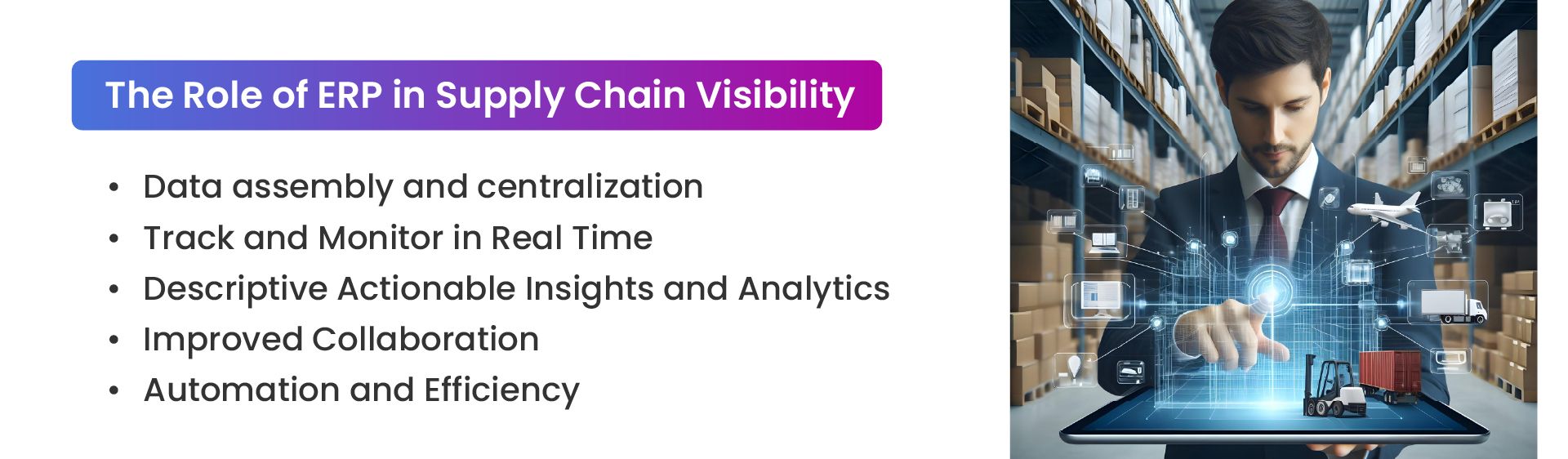
Creates a Shared Operational Record
ERP connects records from purchasing, inventory, production, sales, finance, and logistics. Rather than maintaining separate versions of the same order or transaction, departments can work from shared records with defined ownership and status rules.
This makes it easier to connect a purchasing decision with current stock, expected demand, supplier commitments, and available budget.
Shows Inventory and Order Status
ERP can record purchase orders, sales orders, inventory transfers, receipts, allocations, invoices, and fulfillment activity.
When connected to warehouse and shipping platforms, it can show whether inventory is available, expected, reserved, received, transferred, picked, shipped, or returned.
Connects Supplier, Warehouse, and Logistics Updates
Supplier confirmations, warehouse transactions, carrier events, and order changes often originate outside the ERP. Integrations allow those updates to flow into the broader operational record.
The result is not necessarily one application performing every task. It is a coordinated information flow in which each system provides the status it is responsible for maintaining.
Supports Reporting and Forecasting
ERP reporting can bring together historical demand, inventory movement, purchasing activity, supplier lead times, sales orders, and shipment performance.
This information can support replenishment planning and demand forecasting, but forecasts should still be reviewed against current conditions. A mathematically polished forecast built on poor data remains poor data wearing formal clothing.
Keeps Departments Working From the Same Status
Purchasing, manufacturing, warehouse, sales, finance, and customer service teams often need information from the same transaction. Shared workflows and status updates reduce the need to confirm progress through repeated emails, spreadsheets, or meetings.
Teams can see whether a purchase has been approved, stock has been received, an order has been allocated, or an invoice has been created without requesting separate updates from each department.
Automates Routine Updates
ERP workflows can automate purchase approvals, replenishment requests, order processing, invoice generation, status changes, and notifications.
Warehouse integrations can also support omnichannel inventory tracking by returning inventory and fulfillment updates from multiple sales channels and locations.
Automation should be used where the required action and data rules are clear. Automating an inconsistent process generally produces errors more quickly, which is technically a form of efficiency, just not a useful one.
Highlights Operational Exceptions
ERP can flag conditions such as low stock, delayed purchase orders, overdue approvals, incomplete transactions, missed shipment dates, or invoice mismatches.
An effective exception process should show what happened, which orders or operations may be affected, who owns the next action, and when escalation is required.
Notification volume also matters. When every minor event generates an alert, users may overlook the exceptions that genuinely require attention.
What ERP Can Make Visible Across the Supply Chain
Procurement
Procurement teams can review purchase requests, approval status, supplier confirmations, expected delivery dates, pricing, invoice matching, and lead-time changes.
Before approving another purchase, users can also compare the request with available inventory, incoming stock, existing commitments, and forecast demand.
Inventory Management
ERP can provide a broader view of available, reserved, incoming, transferred, and financially valued inventory across locations.
Detailed warehouse events such as receiving, putaway, picking, packing, replenishment, and cycle counting may come from a connected WMS. Those updates give ERP users a clearer picture of what has happened physically inside the warehouse.
Production Planning
Manufacturing teams can compare material availability with work orders, production schedules, capacity, and customer demand.
This helps planners identify potential material shortages or scheduling conflicts before they interrupt production or delay finished orders.
Order Management
Sales and customer service teams can view order acceptance, inventory allocation, fulfillment progress, shipping status, invoicing, and payment information.
A shared order record also makes it easier to identify whether a delay originated in purchasing, production, warehouse execution, or transportation.
Logistics and Transportation
ERP integrations can receive dispatch details, tracking events, delivery updates, freight charges, and carrier exceptions from transportation or shipping platforms.
This allows operations and finance teams to connect shipment performance with customer orders, invoices, and transportation costs.
How ERP Works With WMS and TMS Platforms
ERP provides the broader business record for purchasing, sales orders, inventory value, supplier transactions, invoicing, and financial reporting. A warehouse management system usually controls detailed warehouse execution, including receiving, putaway, replenishment, picking, packing, and cycle counting. For ecommerce sellers specifically, this kind of ecommerce warehousing efficiency translates directly into faster order fulfillment and lower shipping costs.
A transportation management system typically supports carrier selection, routing, freight planning, shipment tendering, and transportation execution.
Supply chain visibility improves when these systems exchange accurate status information and each platform has a clearly defined responsibility. The WMS may own the detailed warehouse transaction, the TMS may own transportation execution, and ERP may maintain the related order, inventory value, invoice, and financial record.
Businesses comparing warehouse platforms can also review this overview of warehouse management software options.
ERP does not automatically replace WMS or TMS software. Attempting to force one system to perform every specialized function can create more customization, maintenance, and reporting problems than it solves.
Supply Chain Visibility KPIs to Monitor
Inventory Accuracy
Inventory accuracy compares recorded inventory with verified physical inventory. Large or recurring differences may point to receiving, picking, transfer, adjustment, or integration problems.
Supplier Lead-Time Variance
This metric compares expected supplier lead times with actual delivery performance. It helps purchasing and planning teams identify suppliers or materials that regularly create uncertainty.
Order Cycle Time
Order cycle time measures how long it takes an order to move from confirmation to shipment or delivery. Breaking the metric into processing, warehouse, and transportation stages can reveal where delays occur.
On-Time and In-Full Performance
On-time and in-full performance measures whether customers receive the correct quantity by the promised date. It brings inventory, fulfillment, and transportation performance into one customer-facing measure.
Exception Resolution Time
This KPI tracks how long teams take to identify, assign, investigate, and resolve operational exceptions. A long resolution time may indicate unclear ownership or insufficient information.
Data Synchronization Delay
Data synchronization delay measures the time between an operational event and its appearance in another connected system or report.
The acceptable delay depends on the process. A customer shipment exception may require a much faster update than a monthly supplier performance report.
How to Evaluate an ERP for Supply Chain Visibility
Define Which Decisions Need Better Information
Start with the decisions the business is currently struggling to make. These may involve purchasing, inventory allocation, production scheduling, supplier management, fulfillment priorities, transportation, or customer communication.
Defining the decision first prevents the project from becoming a collection of dashboards that display information without improving any operational outcome.
Identify the Data That Must Be Visible
Document which records users need, where those records originate, how often they change, and which department depends on them.
This may include inventory balances, purchase order status, supplier confirmations, production progress, warehouse transactions, shipment events, returns, invoices, or customer orders.
Review Integration Capabilities
Evaluate available APIs, existing connectors, supported data formats, synchronization methods, integration limits, and maintenance responsibilities.
Businesses should also confirm whether integrations are included in the implementation cost or require separate development, licensing, or ongoing support.
Determine the Required Update Frequency
Not every record needs a real-time connection. Determine which updates are time-sensitive and which can move between systems at scheduled intervals.
This helps avoid unnecessary integration complexity while still ensuring that critical operational decisions use sufficiently current information.
Define System and Data Ownership
Each important record should have an authoritative source. The business must determine which system owns inventory balances, purchase orders, shipment events, customer orders, supplier records, and financial transactions.
Clear ownership reduces duplicate entries, conflicting updates, and arguments over which spreadsheet has achieved temporary supremacy.
Assess Reporting and Exception Management
Review whether operational teams can access the dashboards, reports, filters, and exception queues they need without depending on developers for every change.
The system should make it possible to move from a high-level issue to the affected transaction, order, supplier, product, or location.
Review Security and Access Controls
Supply chain platforms contain supplier, customer, pricing, inventory, operational, and financial information.
The ERP should support role-based access, audit trails, appropriate encryption, backup processes, and data retention controls. Users should be able to access the information required for their work without receiving unnecessary access to sensitive records.
Evaluate Implementation and Support
ERP visibility depends as much on implementation quality as it does on software features. Review the provider's experience with data migration, system integration, workflow configuration, testing, training, documentation, maintenance, and post-implementation support.
Testing should cover more than whether data moves between two systems. It should confirm how errors, duplicate transactions, missing updates, and integration failures will be identified and resolved.
Building Better Supply Chain Visibility With ERP
ERP can improve supply chain visibility by connecting operational records, standardizing status updates, and showing teams where attention is required. It can help link supplier activity with inventory, production, customer orders, warehouse execution, transportation, and financial information.
Software alone, however, cannot correct poor data ownership, undefined workflows, inconsistent master data, or weak exception processes. Reliable visibility depends on accurate records, practical integration rules, trained users, and clear responsibility for acting on the information.
A useful starting point is to identify the decisions that are currently delayed by missing or conflicting data. From there, the business can define which systems must exchange information and how quickly each update needs to become available.
Connect Your Supply Chain Data With the Right ERP Strategy
NOI Technologies helps businesses evaluate ERP requirements, define integration responsibilities, and develop workflows for procurement, inventory, manufacturing, warehousing, order management, and logistics operations.
Schedule an ERP consultation or contact NOI Technologies to discuss your supply chain systems and visibility requirements.
Frequently Asked Questions About ERP and Supply Chain Visibility
Can ERP provide real-time supply chain visibility?
ERP can provide real-time or near-real-time visibility when connected systems exchange data frequently enough for the process being managed. Some records may still update at scheduled intervals when immediate synchronization is unnecessary.
Does ERP replace warehouse or transportation management software?
Not necessarily. ERP manages broader operational and financial records, while WMS and TMS platforms may provide more detailed warehouse and transportation execution capabilities. Visibility improves when the systems exchange accurate status information.
What data should be connected for supply chain visibility?
Common data includes supplier orders, expected delivery dates, inventory balances, production activity, customer orders, warehouse transactions, shipment updates, returns, exceptions, invoices, and financial records.
How does ERP support supply chain exception management?
ERP can identify conditions such as delayed purchase orders, low inventory, overdue approvals, missed shipment deadlines, incomplete transactions, and invoice mismatches. Workflows can then assign the issue to the appropriate person or team.
What causes supply chain visibility gaps?
Common causes include disconnected systems, inconsistent product or supplier records, delayed updates, manual data entry, unclear ownership, weak integrations, and different departments using conflicting status definitions.